What is a “note”?
You see a post with 743 notes and tap on it, expecting conversation. Instead, it’s mostly likes. Combining replies, reblogs, and likes into one number is impressive on its face, but doesn’t indicate continuing conversations, where much of Tumblr’s charm and intrigue lives. User research also confirmed “notes” is a confusing term, especially for new users.

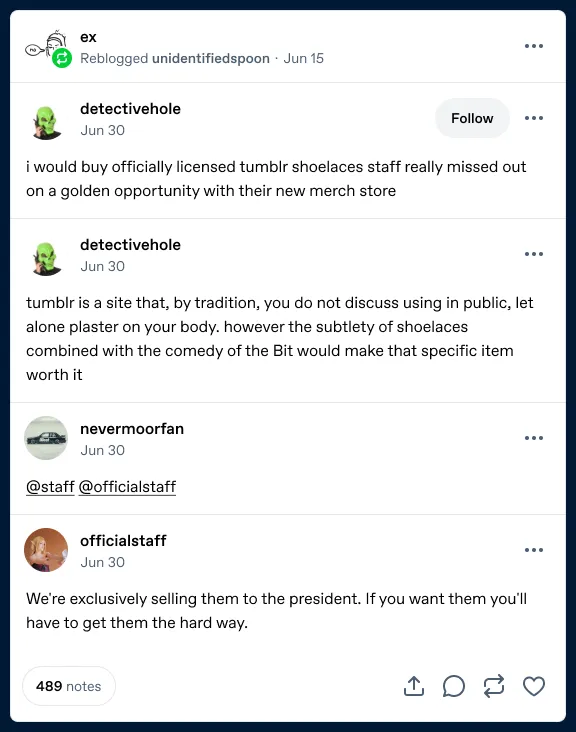
Fig 01 Two versions of the old post footer. All engagement shown as a single number.
Designing the split footer
To help indicate that continuing conversation, I started to figure out how to show separate counts for replies, reblogs, and likes.
It needed to look visually balanced, and scale across all engagement numbers (from zero to millions) with consistent action placement.
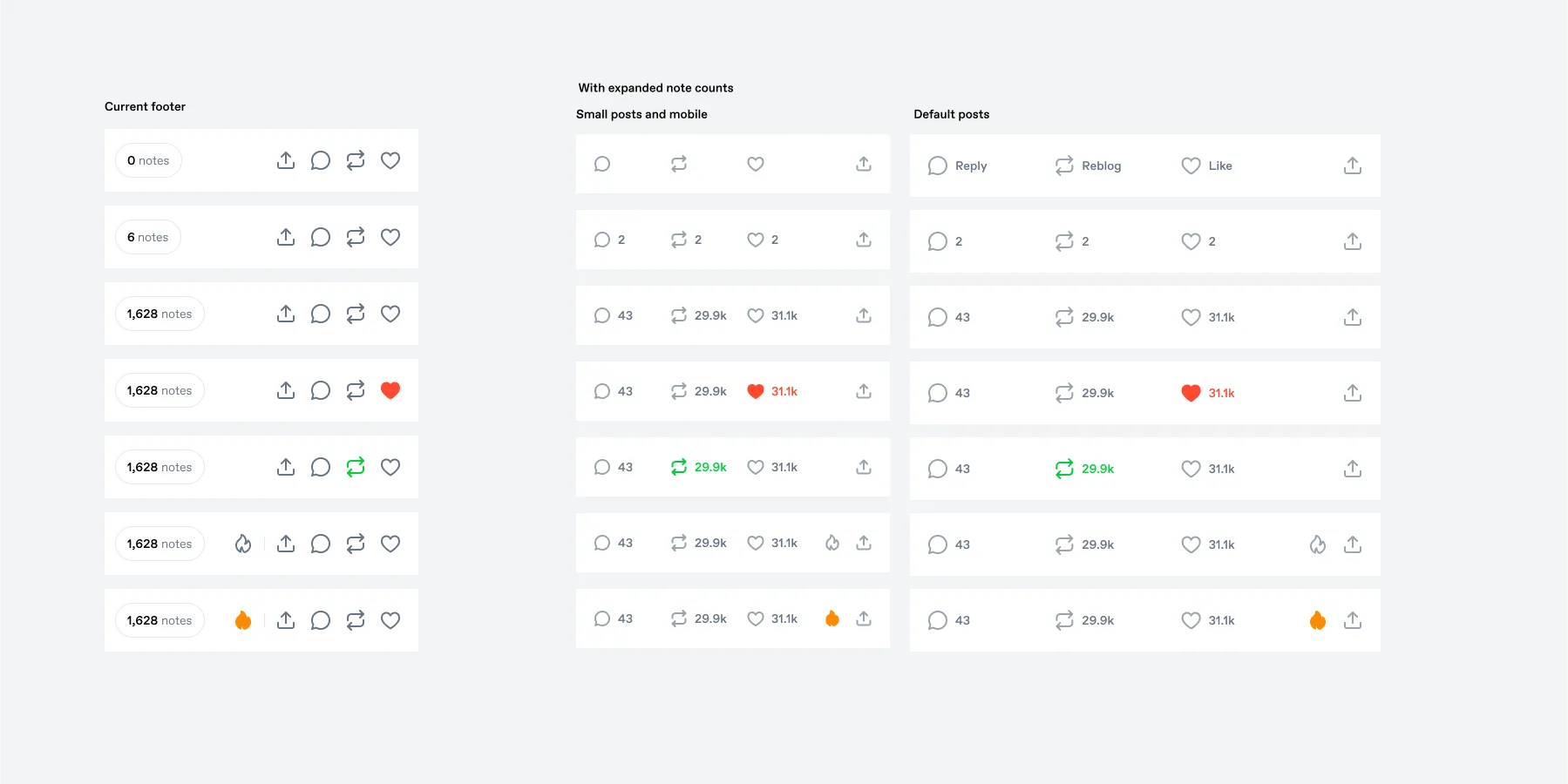
Fig 02 Early exploration (v1): old footer (left) vs. split footer at two sizes across seven states. The Blaze button is still present here.
These early explorations still included Blaze (the flame icon, Tumblr’s way for anyone to promote a post). Digging into the data, I found that despite 76.7 billion post impressions in Q1 2025, only ~2000 Blaze campaigns were created on someone else’s post. Most people promote their own posts. Knowing this, I felt comfortable moving Blaze from the footer to the post’s overflow menu, making more space for the big three engagement actions.
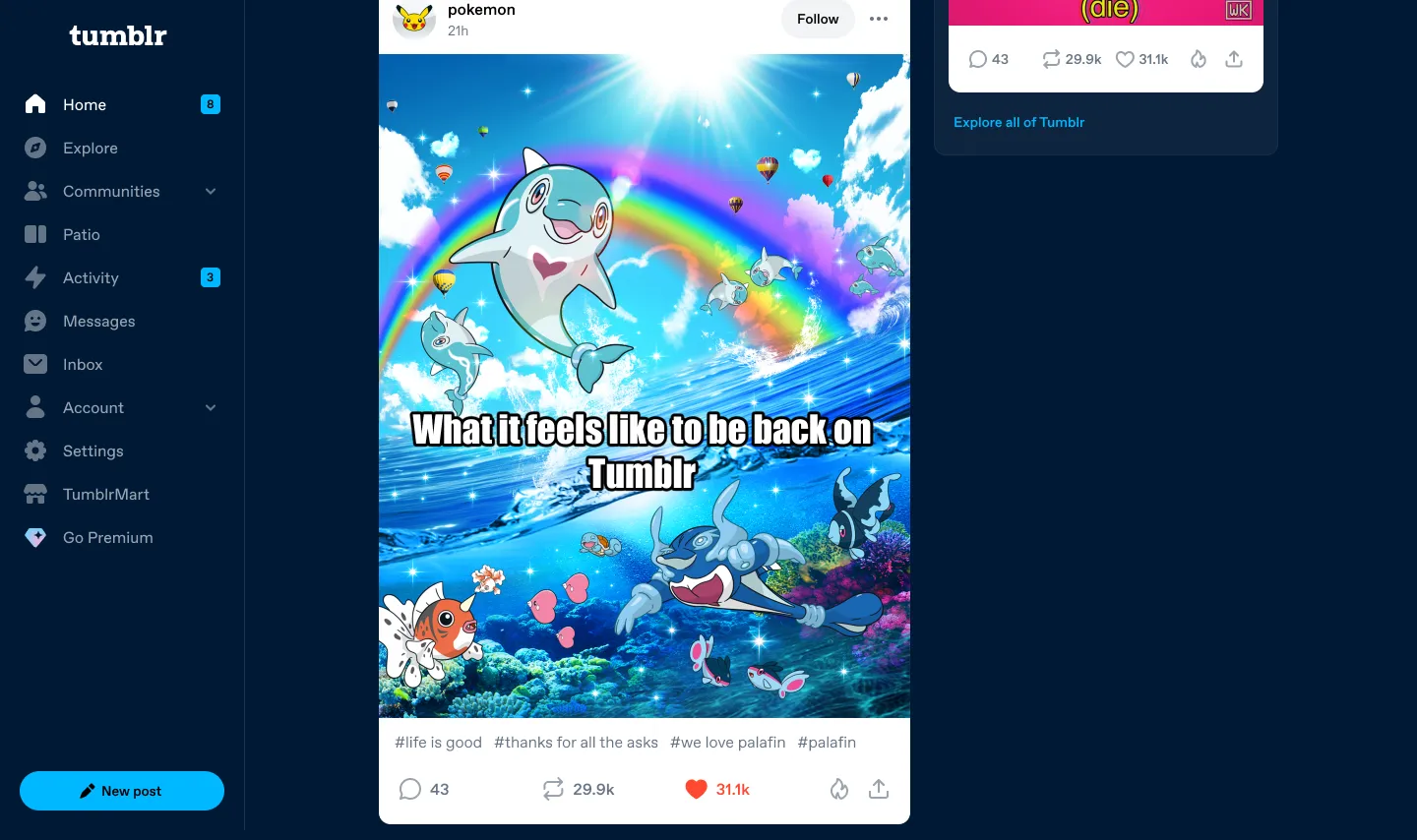
Fig 03 Split engagement counts on desktop.
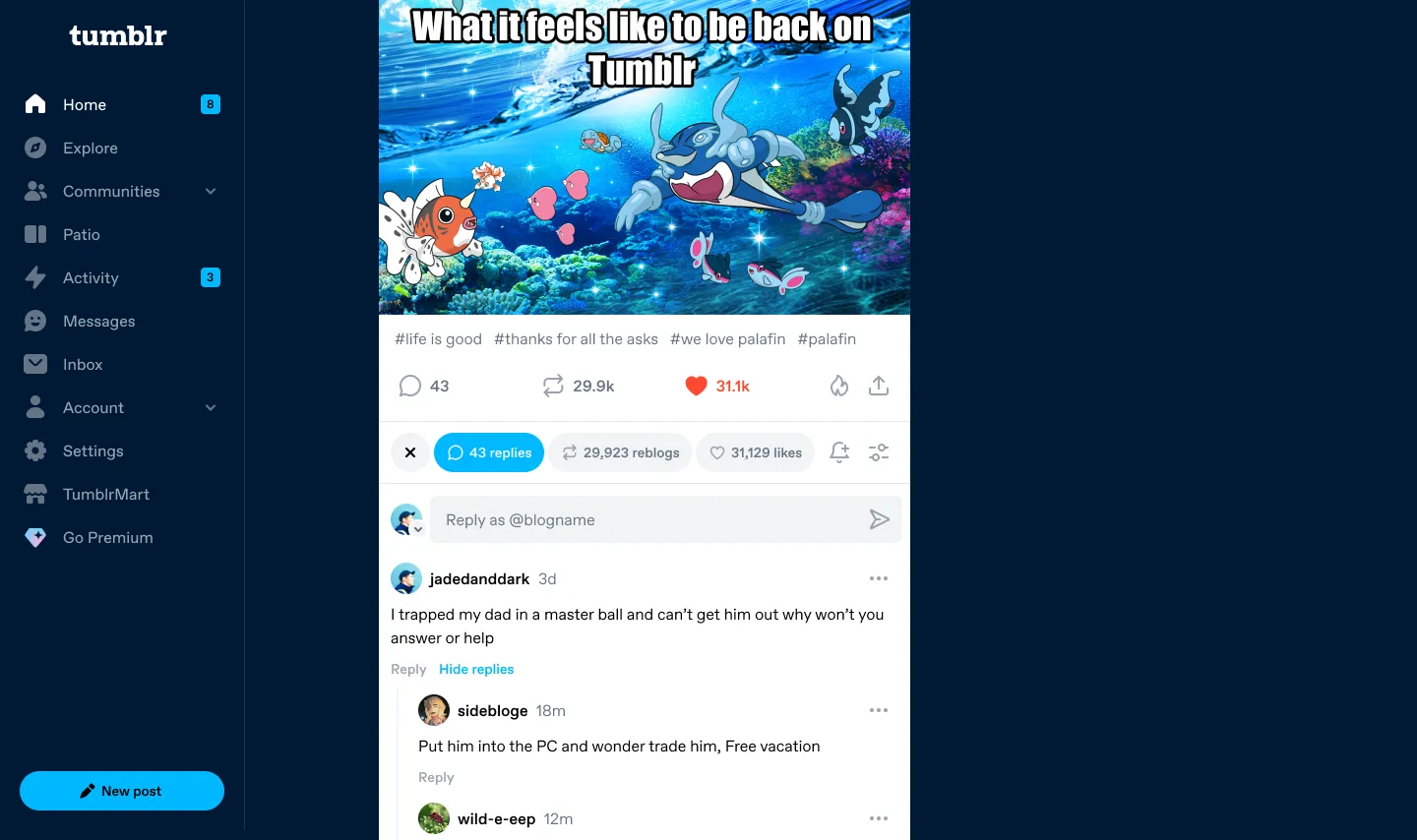
Fig 04 Tapping the reply count expands replies inline below the post on web.
The Reblog Menu
Reblogging is a Tumblr original, imitated the web over, the classic way to share or reply to something. You have a few options: Reblog and add something, fast reblog (which reposts it instantly), or add it to your queue (schedule it to post later). But fast reblog and queue actions were hidden behind keyboard shortcuts, or long-press interactions in the apps. The queue is unique to Tumblr, and we know people who use it retain better, and post more, if they find it.
So I designed a menu to show available actions when reblogging, betting that putting it in the path of reblogging would increase usage. There’s also a blog selector that remembers your last-selected blog.
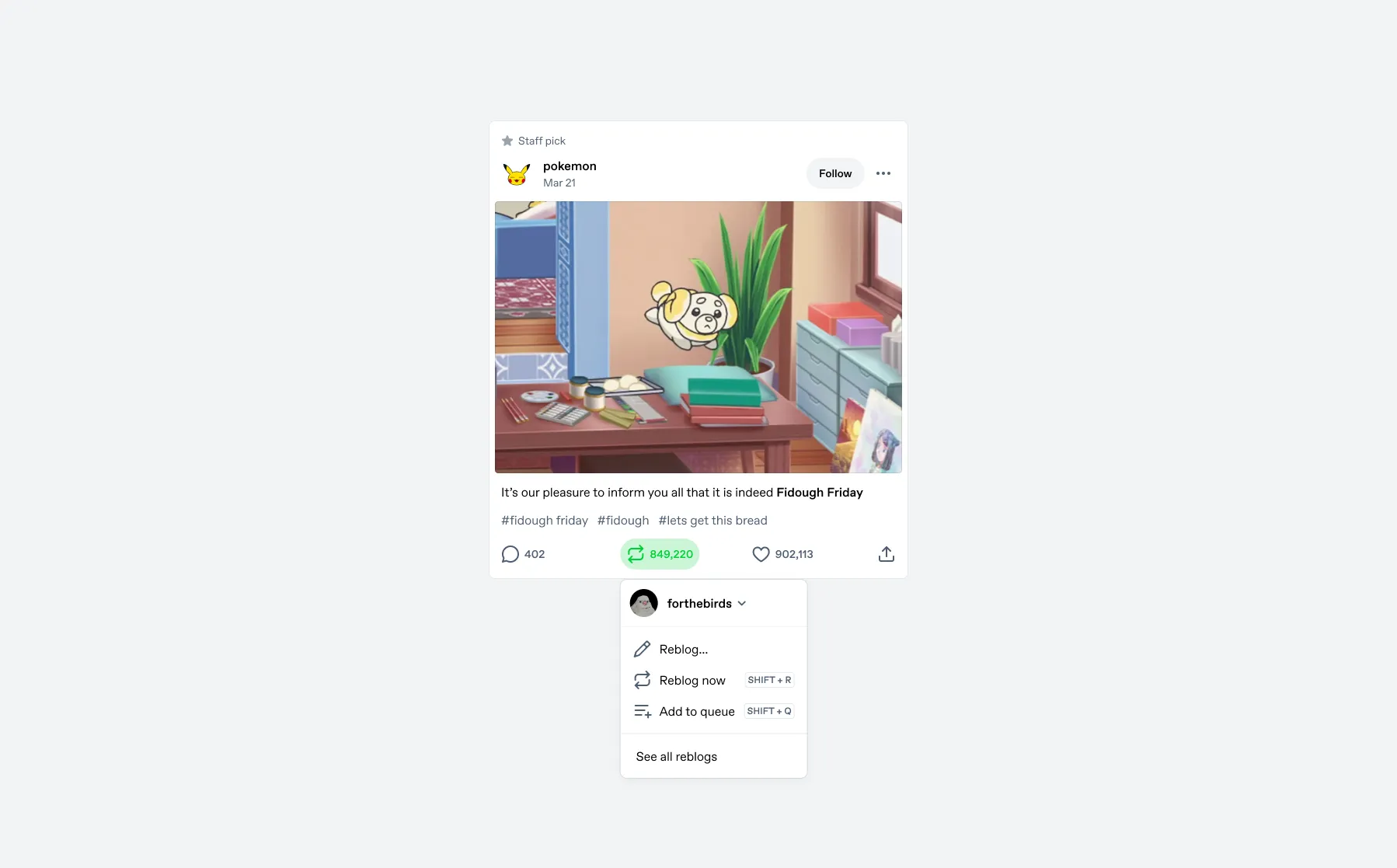
Fig 05 The Reblog Menu on desktop.
On desktop, the menu also educates about keyboard shortcuts.
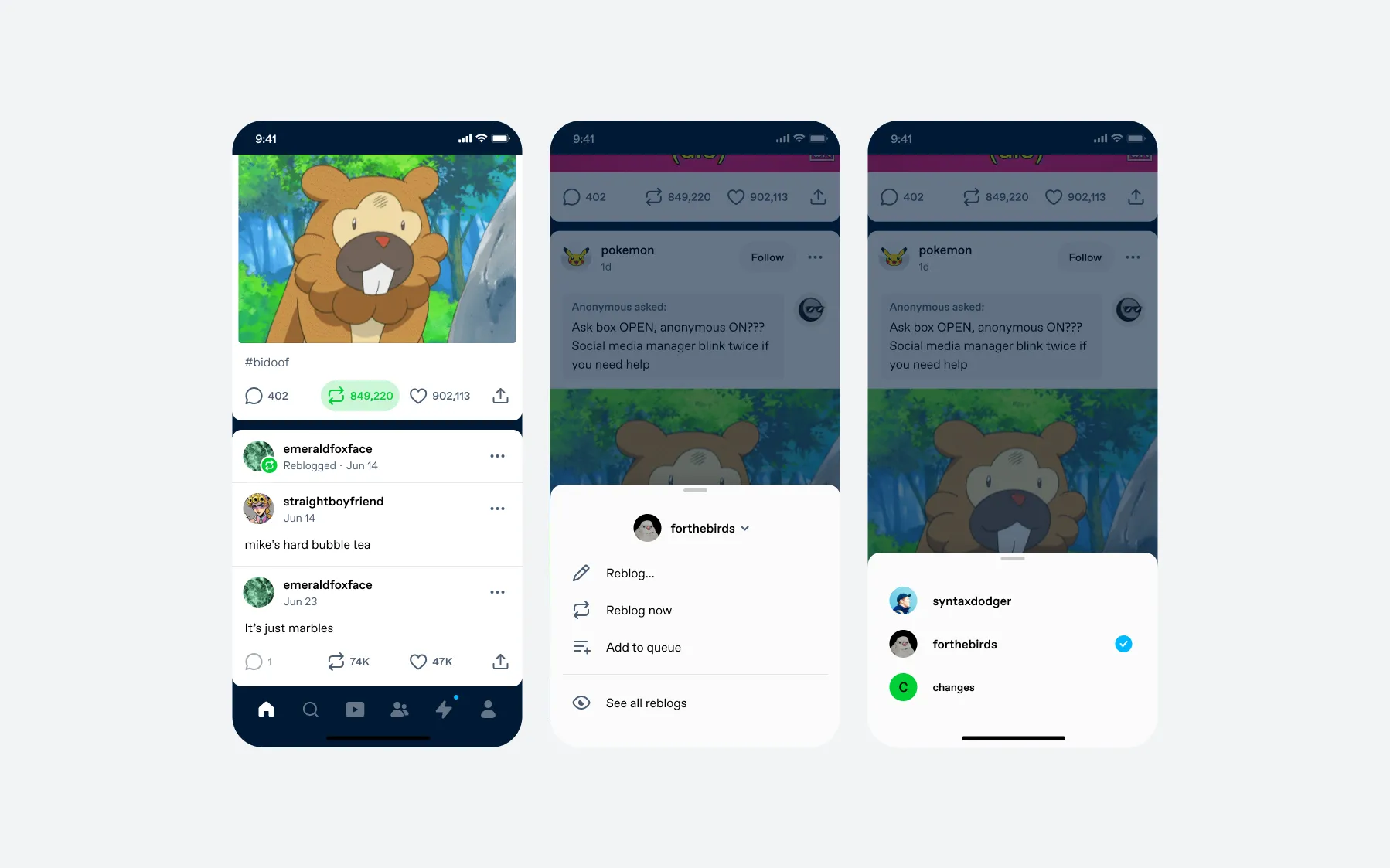
Fig 06 The Reblog Menu on mobile.
Results
The post footer appears on every post in every feed for millions of users, so we tested and iterated carefully. We ran six experiments across three platforms over nine months. The split-count variant won consistently, so we shipped it based on these results:
- Users reading replies
- +192%
- Users writing replies
- +6%
- Reblog DAU
- +1.56%
- Fast reblog (iOS / Android)
- +99% / +96%
- Queue usage (iOS / Android)
- +157% / +103%
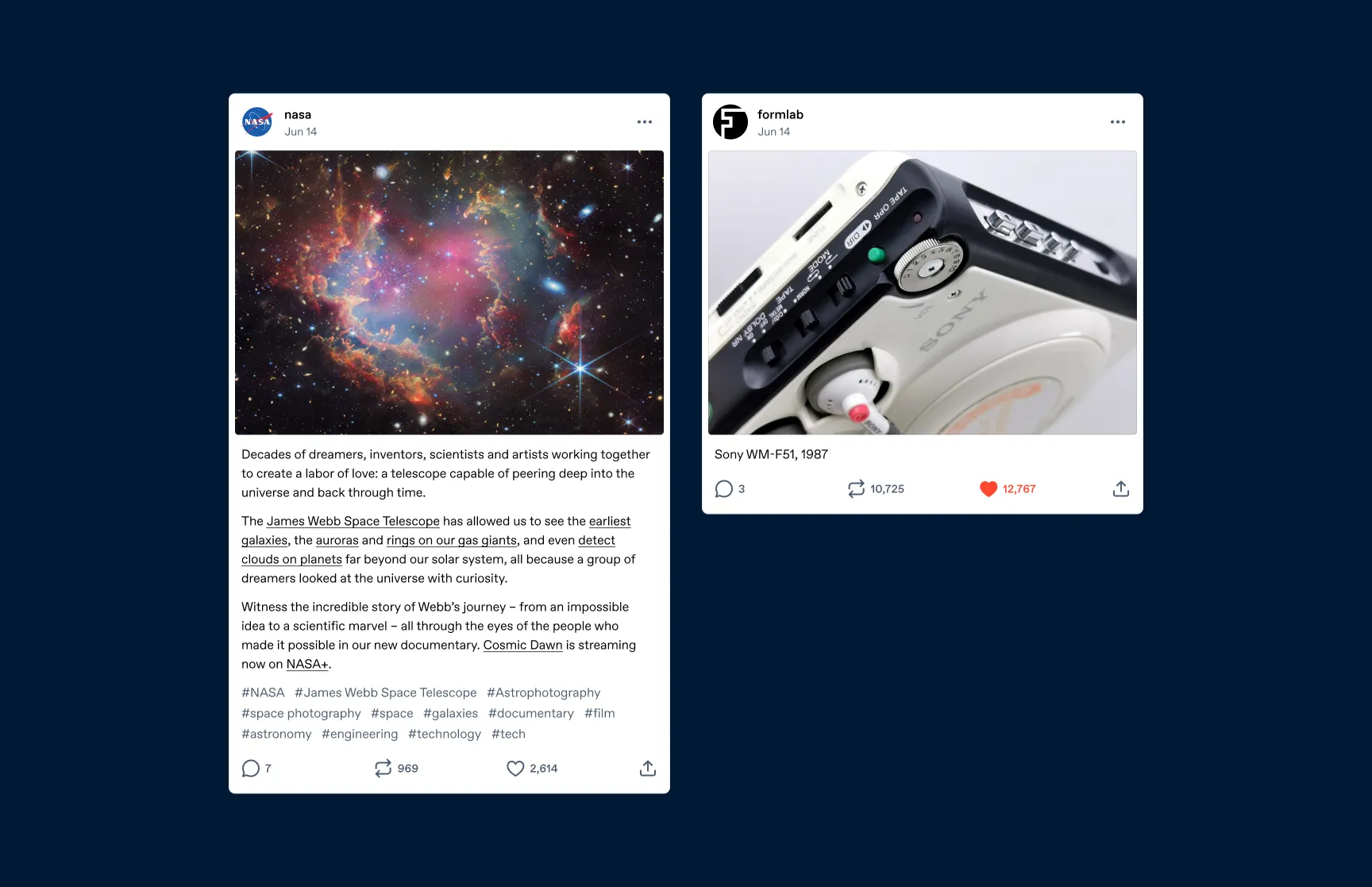
Fig 07 The shipped footer on original posts.
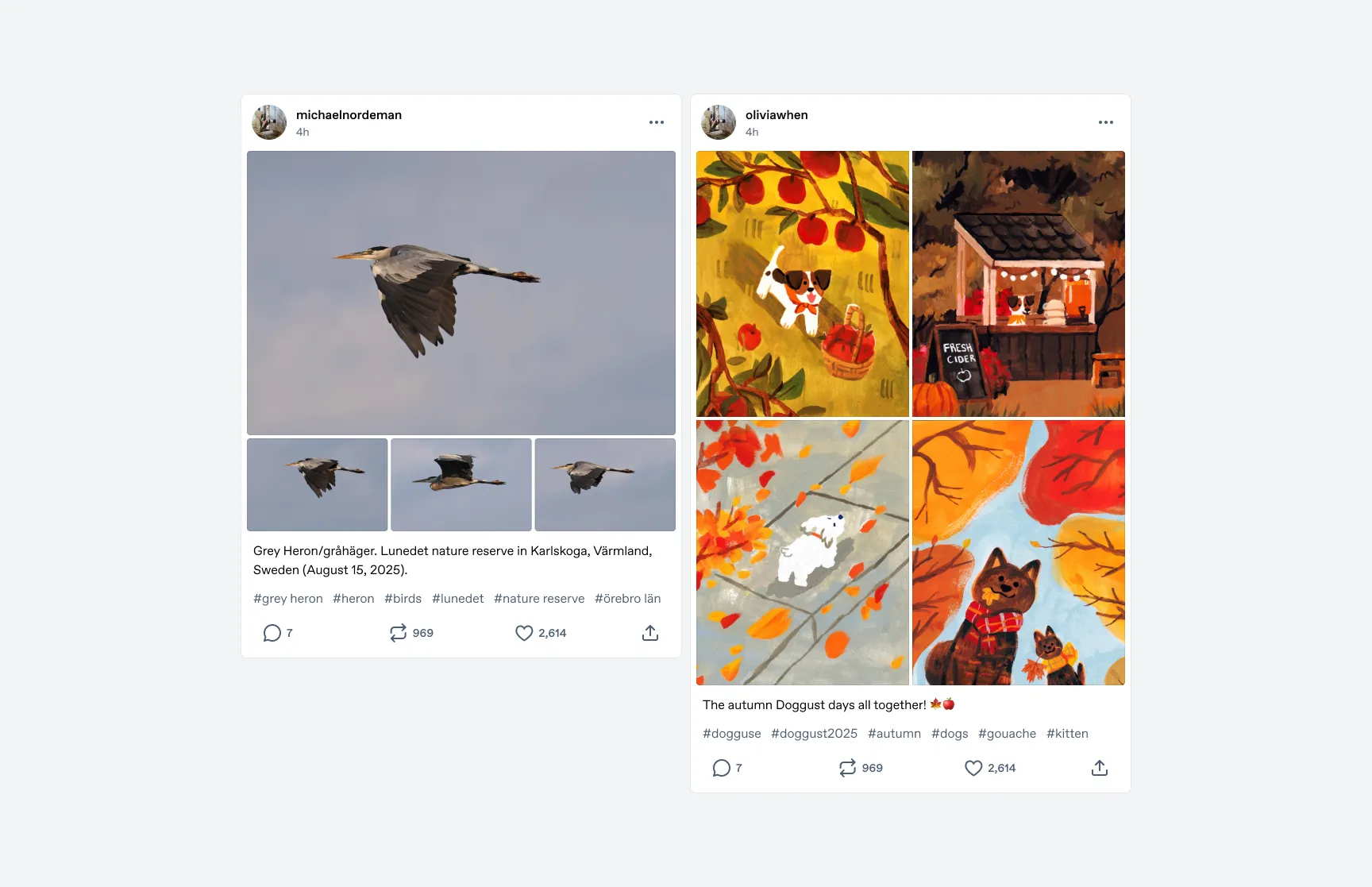
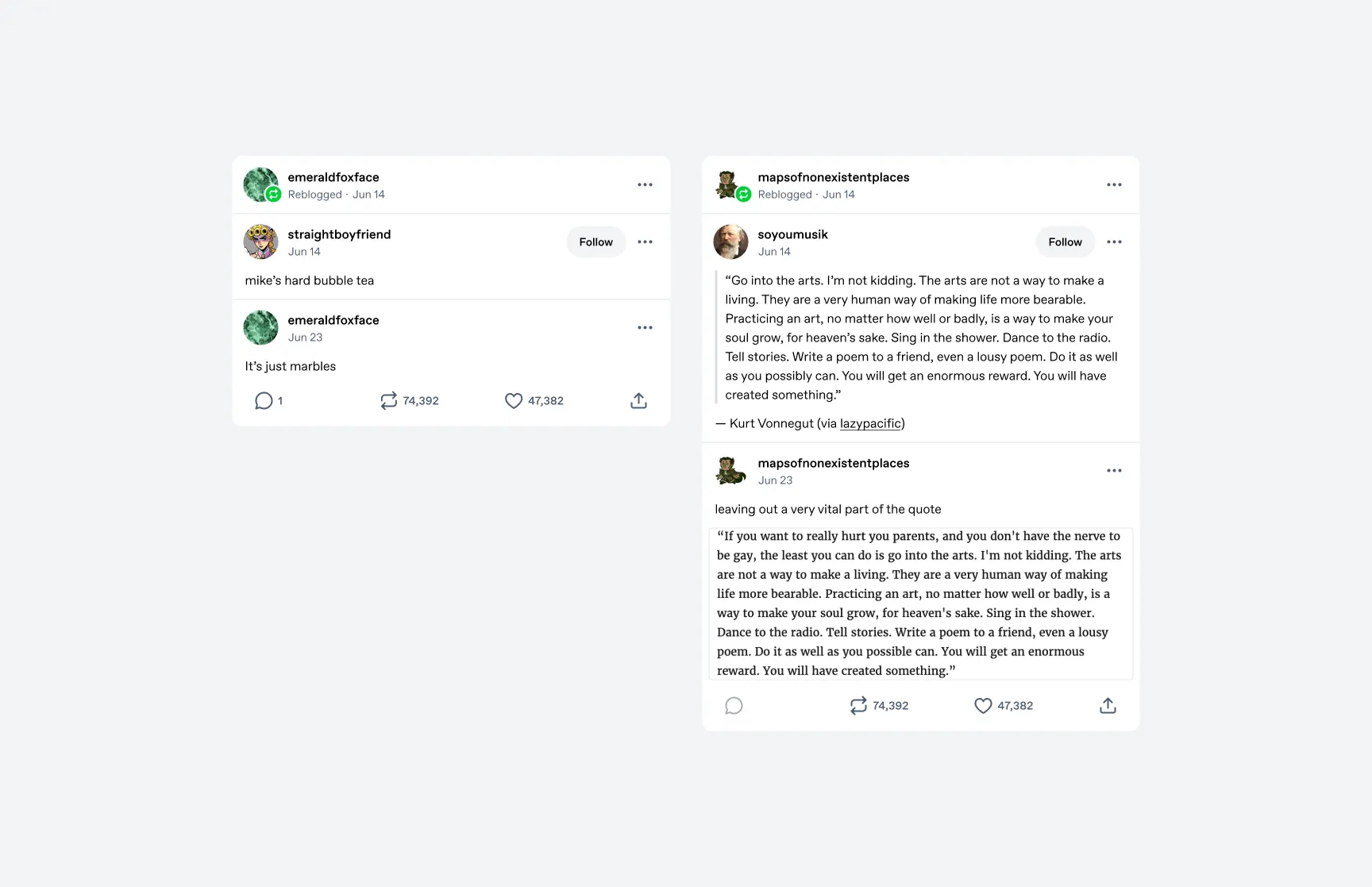
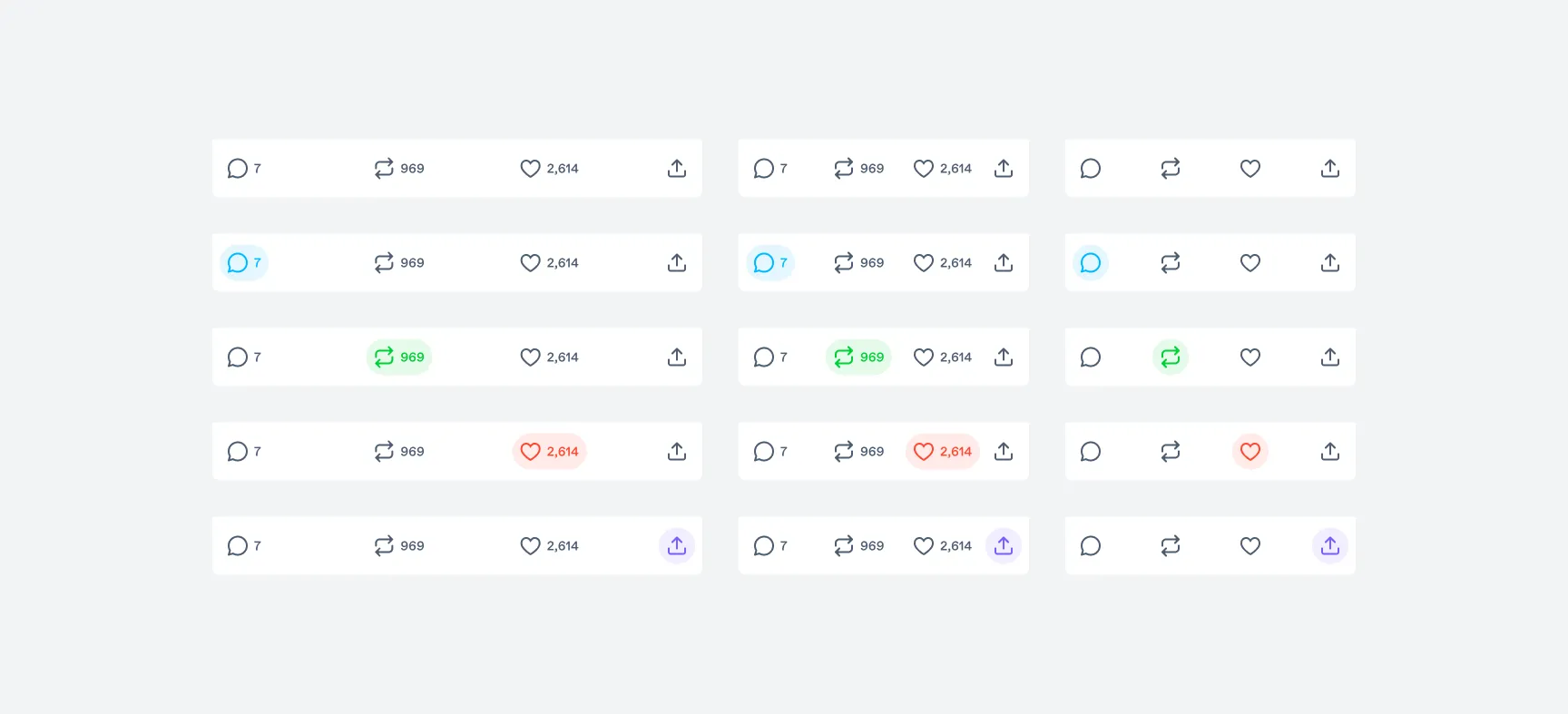
Fig 08 All footer states.