The problem
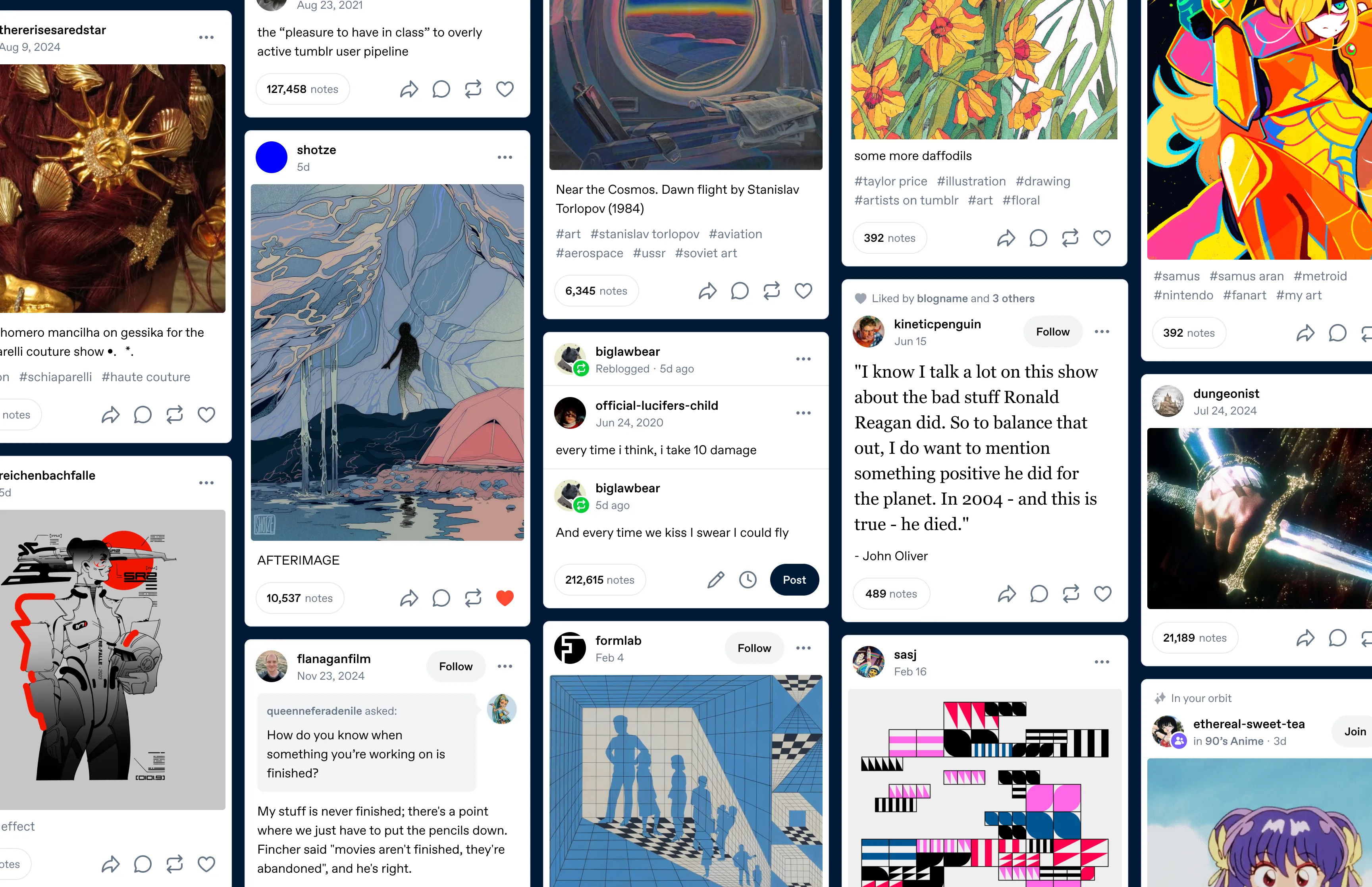
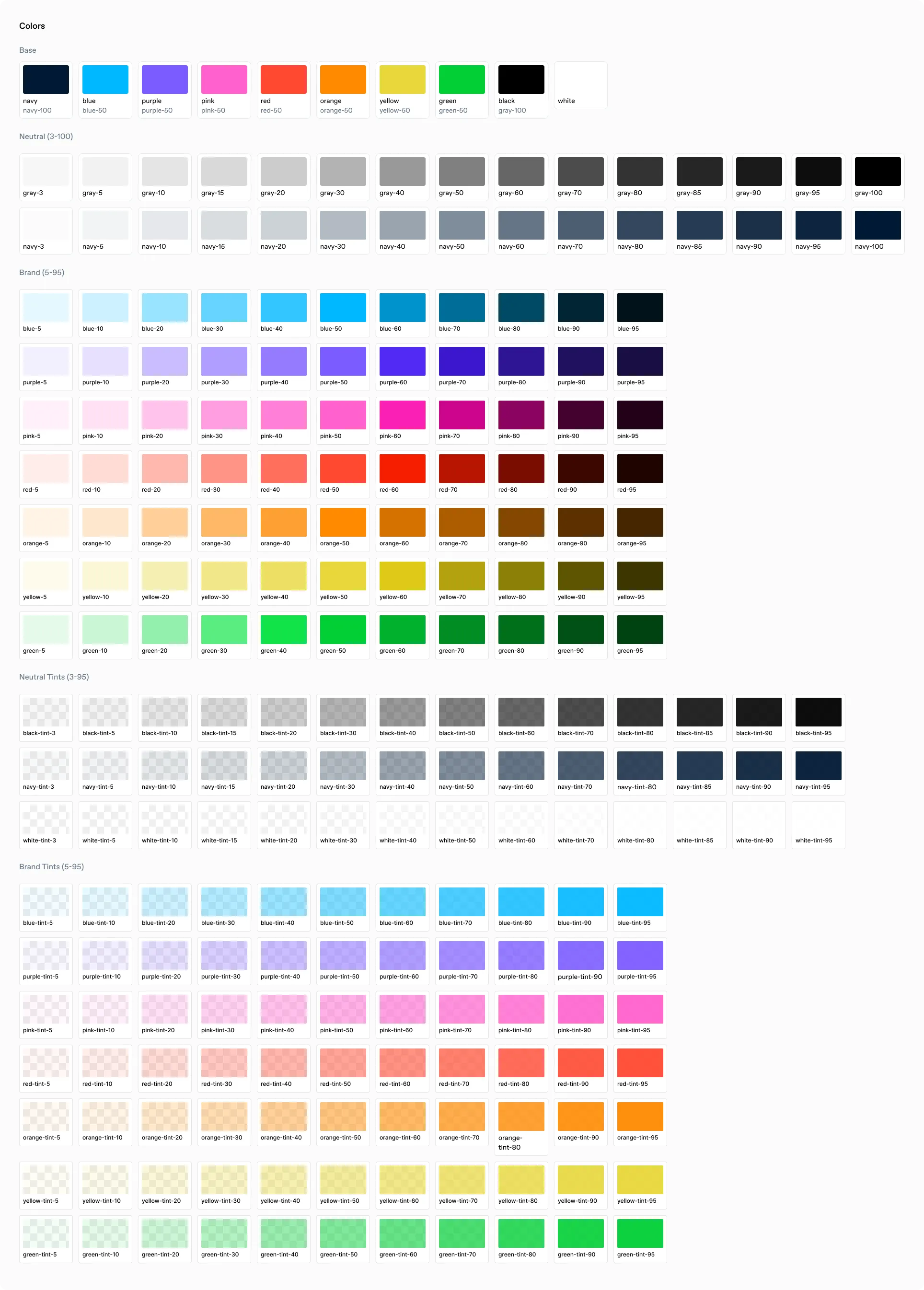
Tumblr’s interface had been accumulating visual inconsistency for years. Spacing values followed no pattern and compounded in unexpected ways. We had roughly 2,900 color variable declarations spread across 985 SCSS files, maintained separately in three repositories.
We built the design system atomically product with engineers from each platform, so they could weigh in on how to make work faster everywhere.
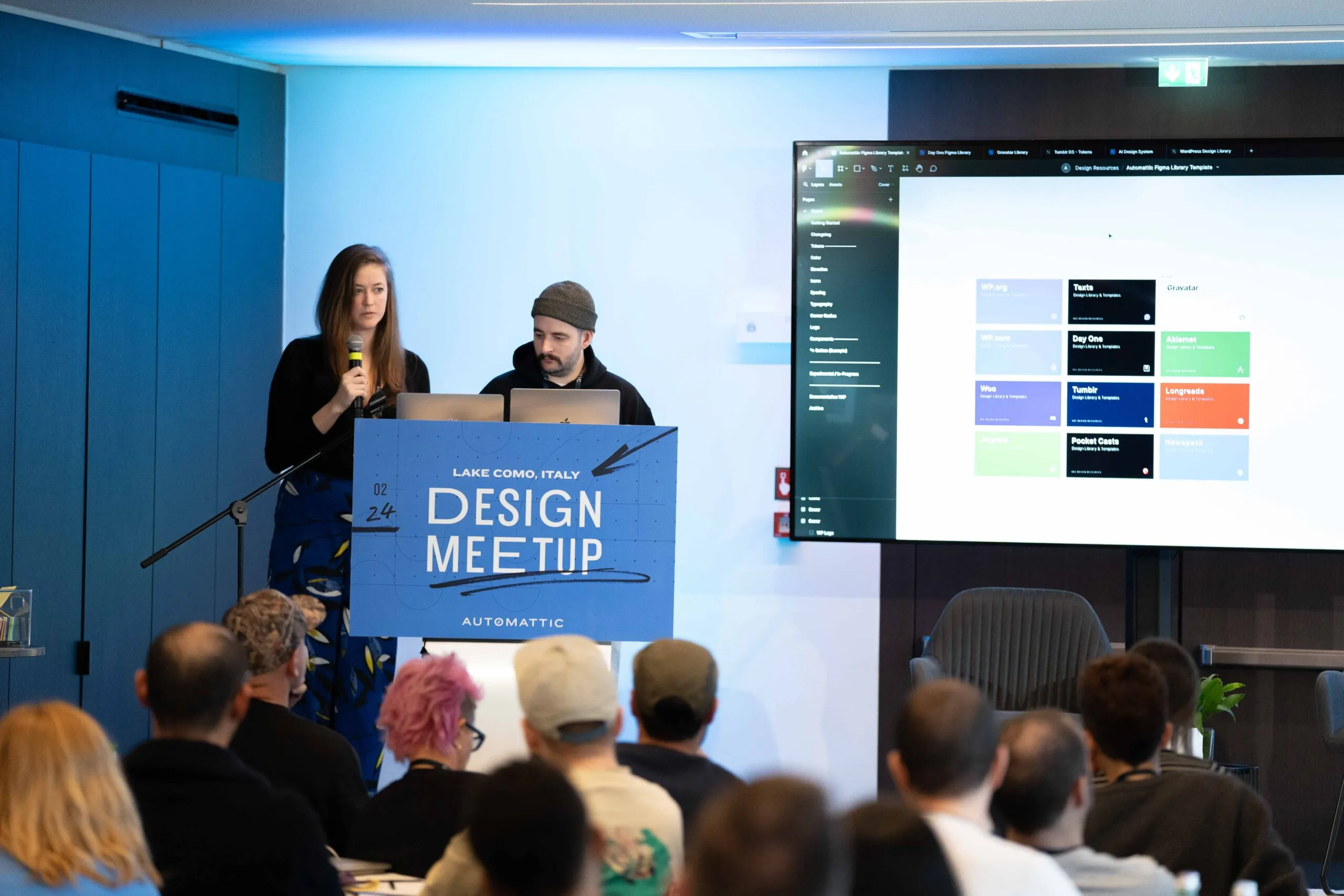
Fig 01 Sharing our process for Tumblr’s design systems work at the 2024 all-design meetup.
Tokens
Colors
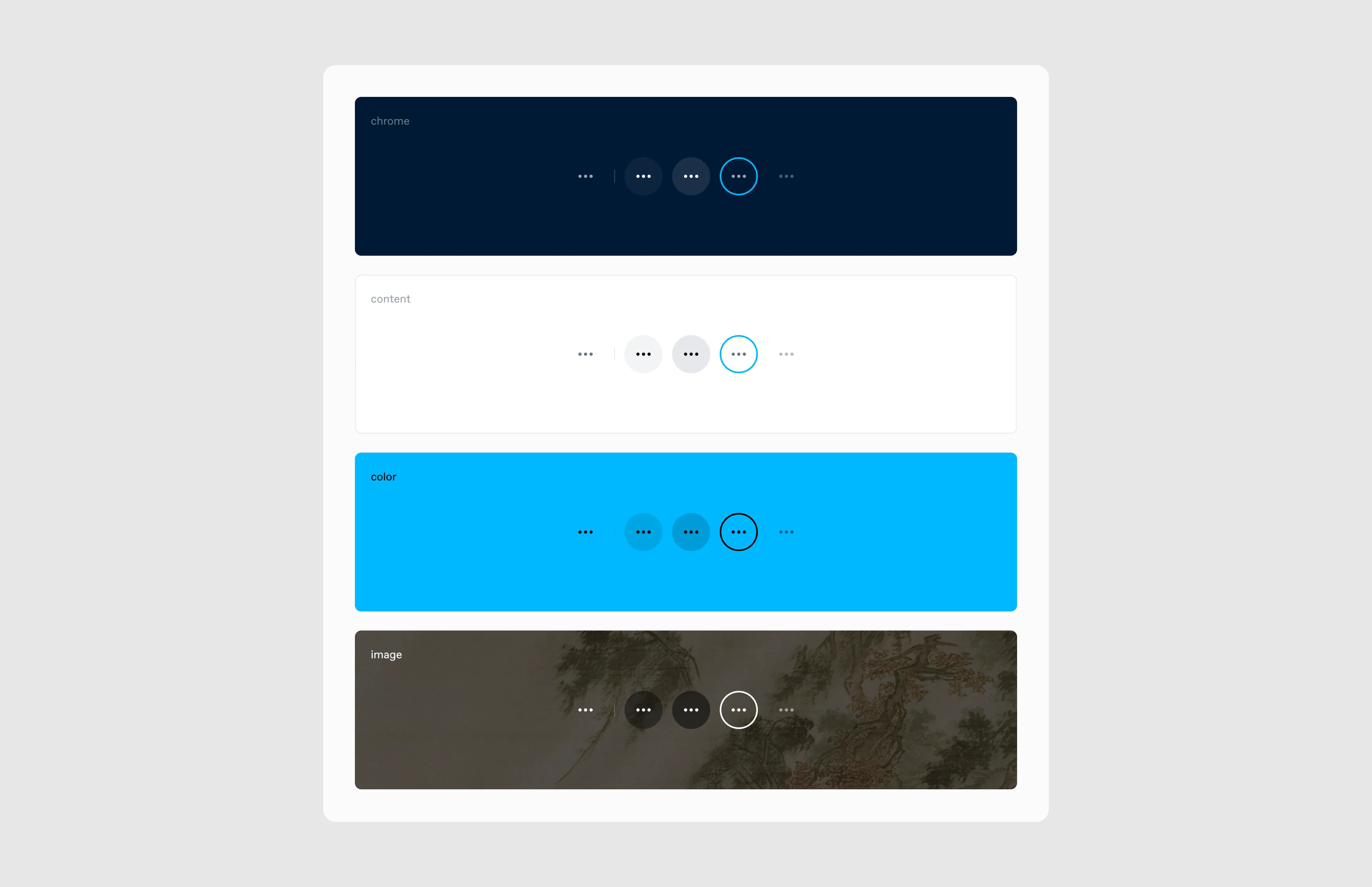
Tumblr has 12 color palettes, all available on web, with a subset on iOS and Android. Each palette maps 207 semantic tokens. The chrome token, for example, defines the app’s background color: navy-100 in True Blue, dark gray in the Dark palette.
Typography
Spacing
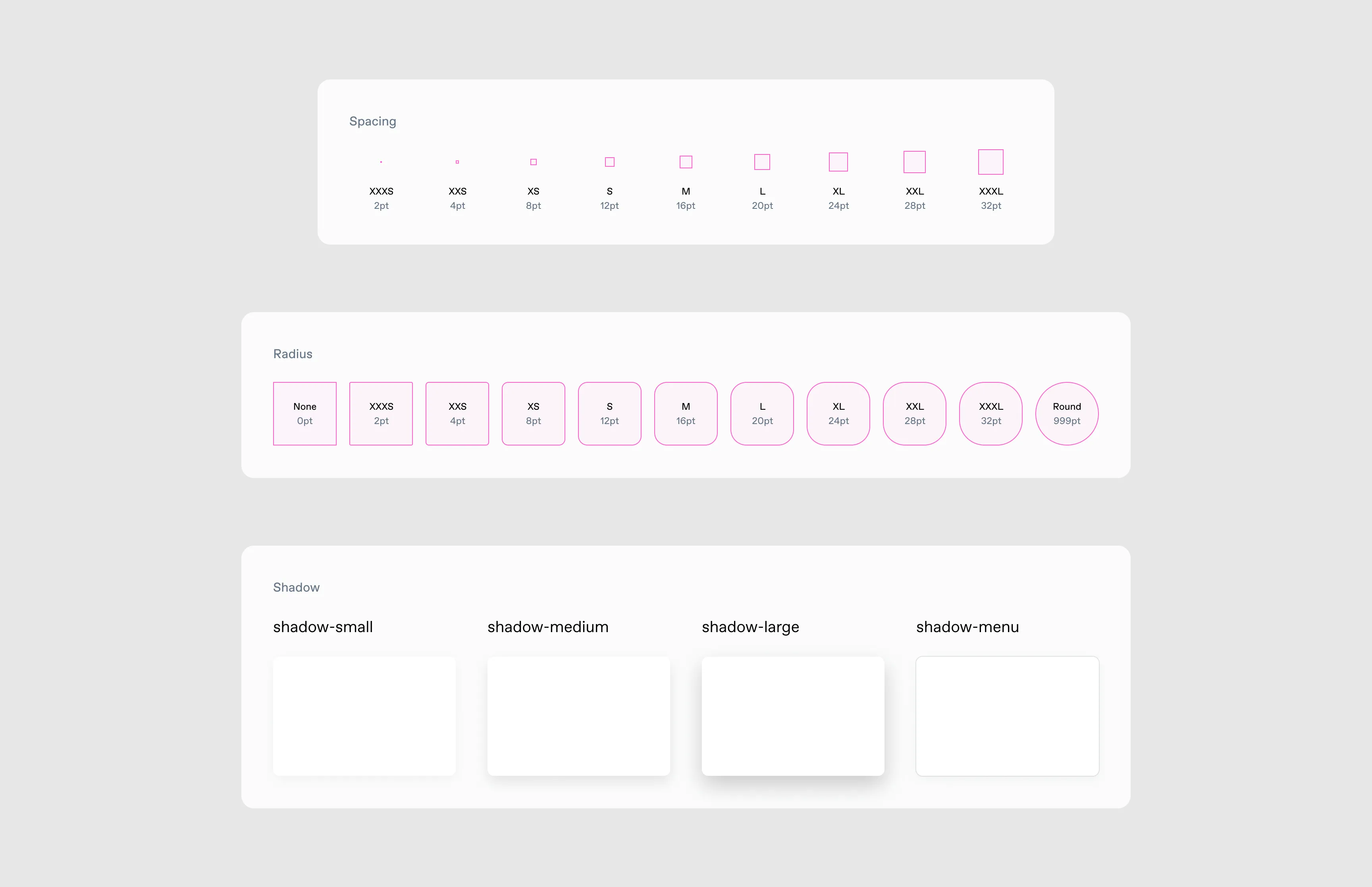
We standardized spacing which helped information density. Shortening the post footer produced a 2.5% increase in post impressions.
Iconography
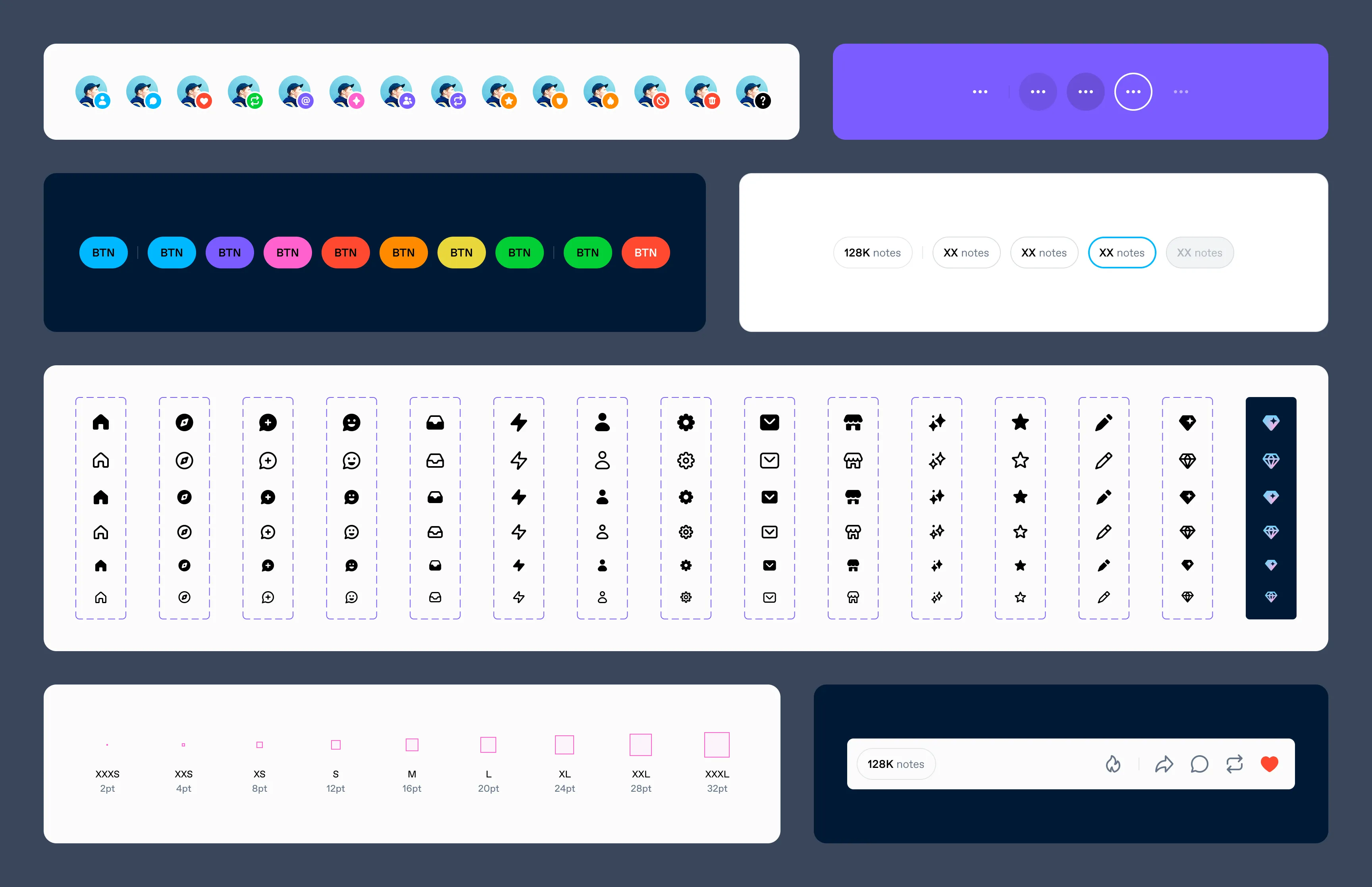
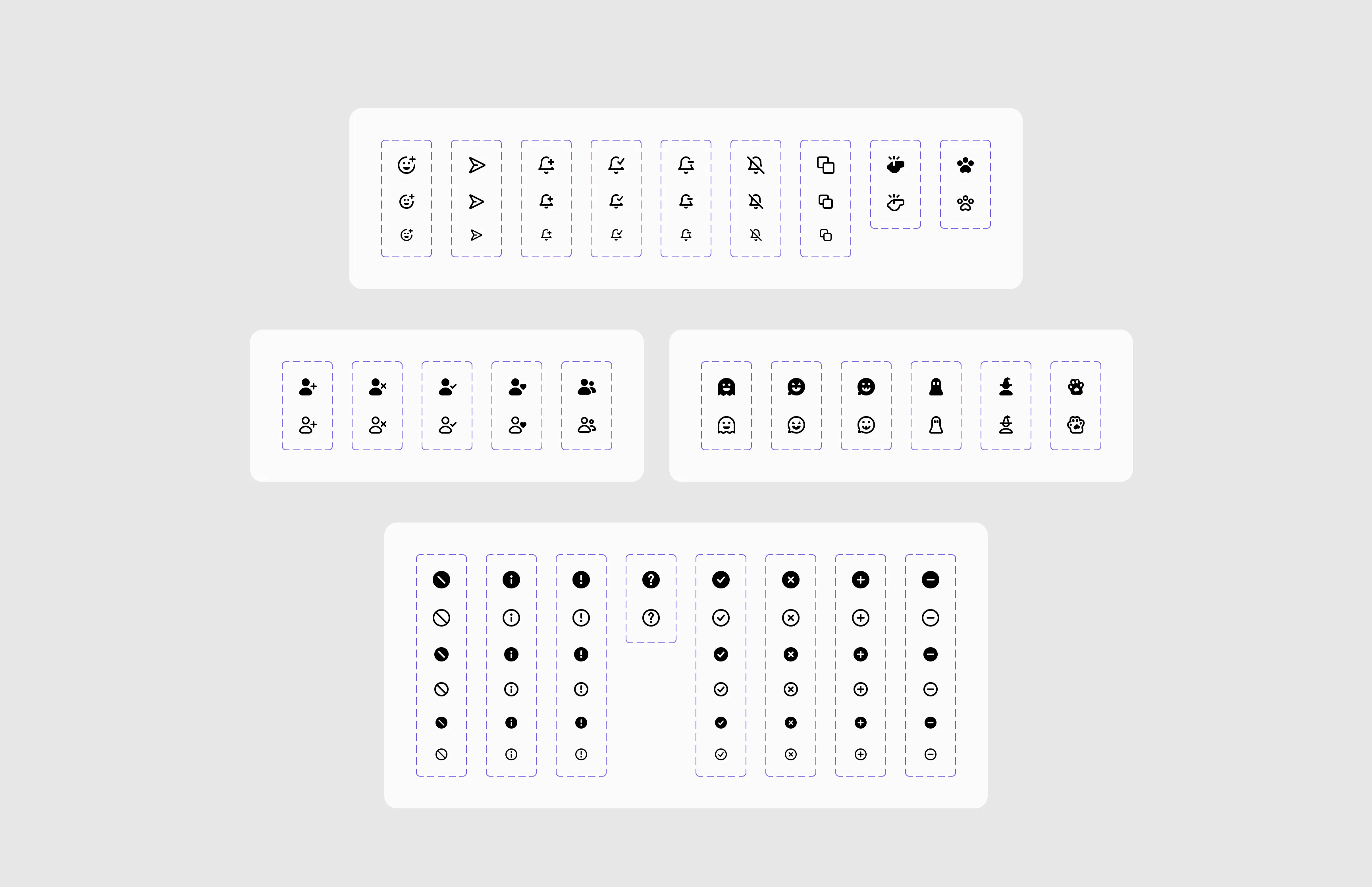
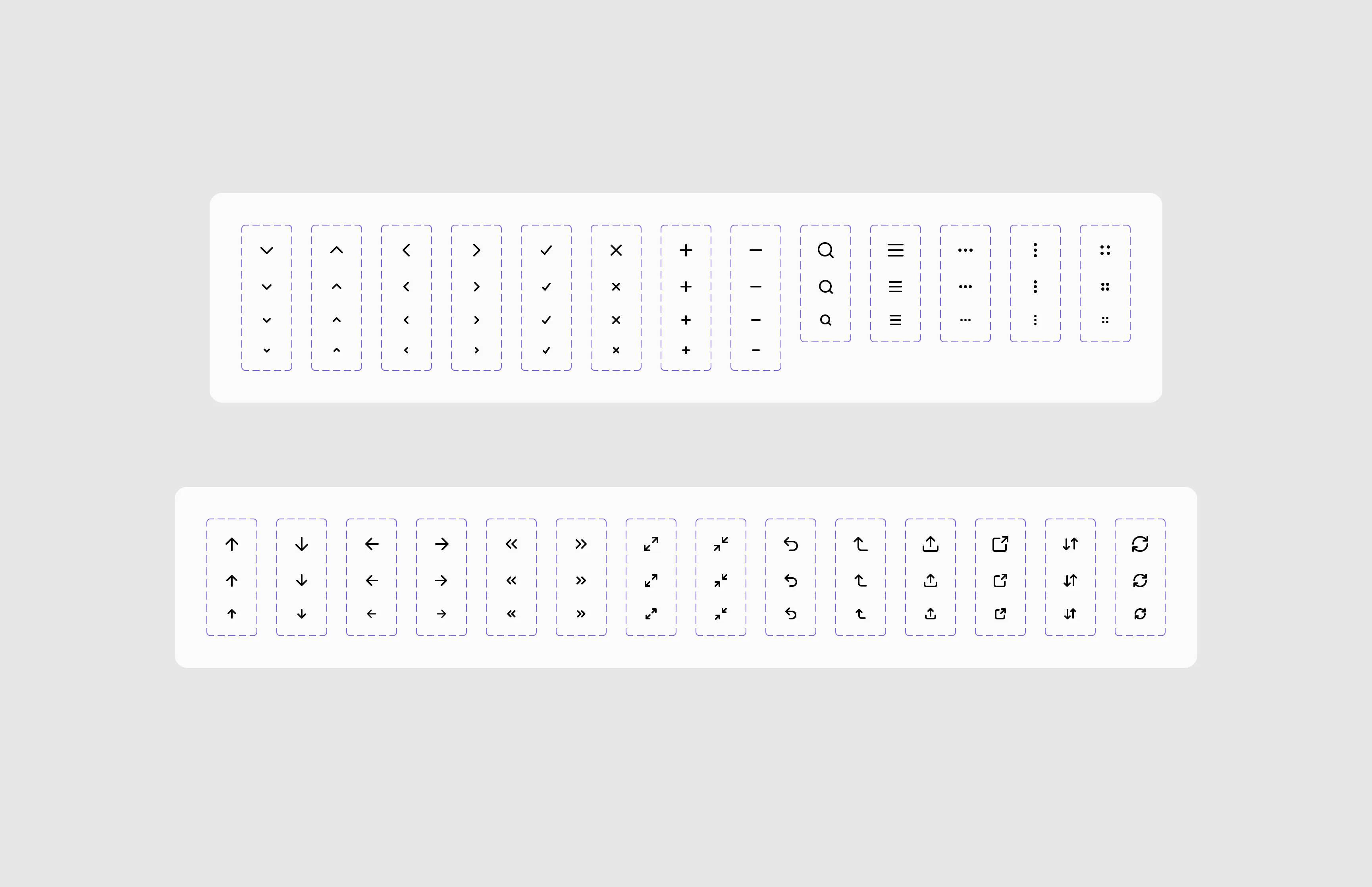
Icons had been added haphazardly over years. We redrew all of them in outlined and filled versions.
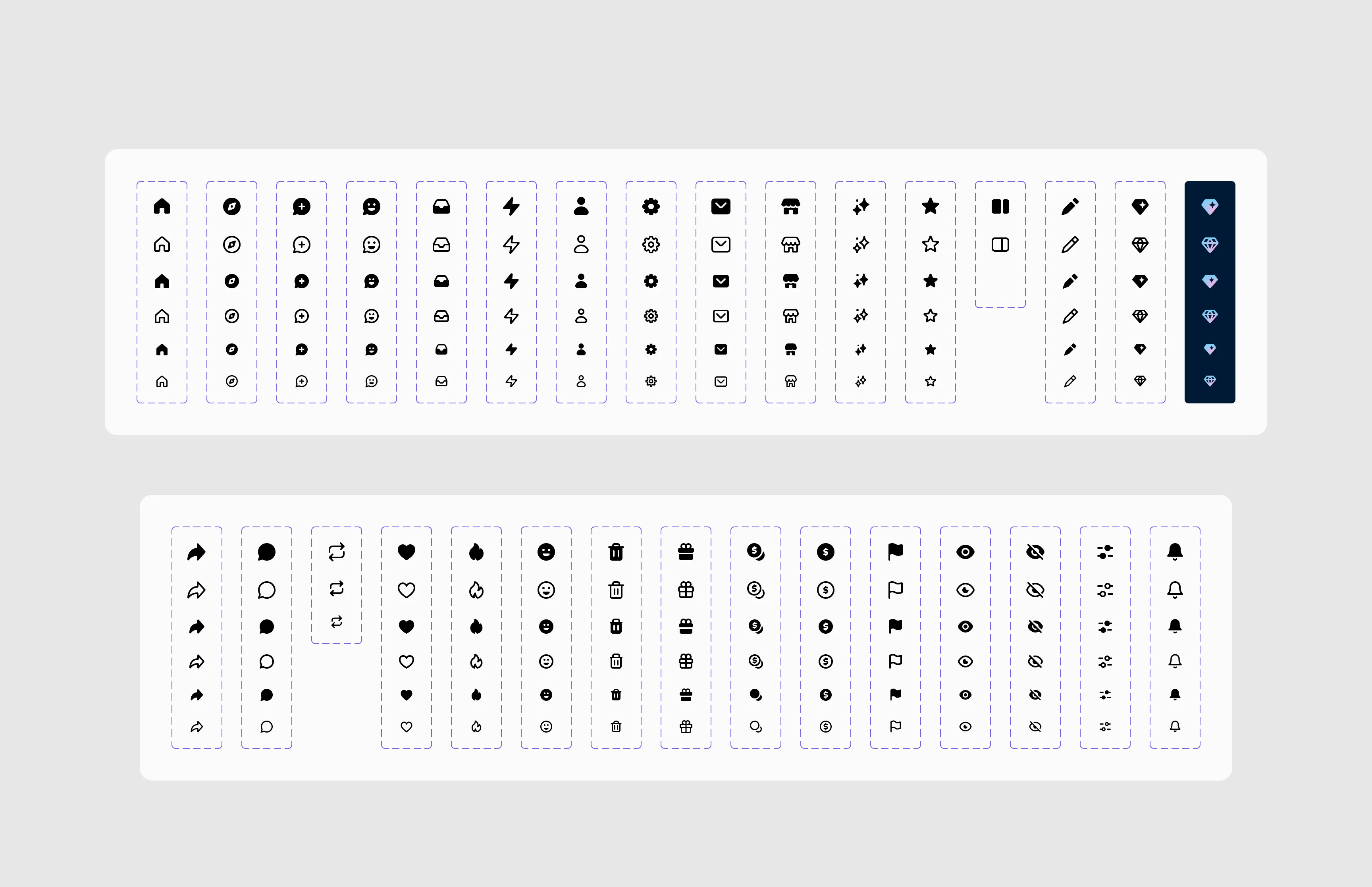
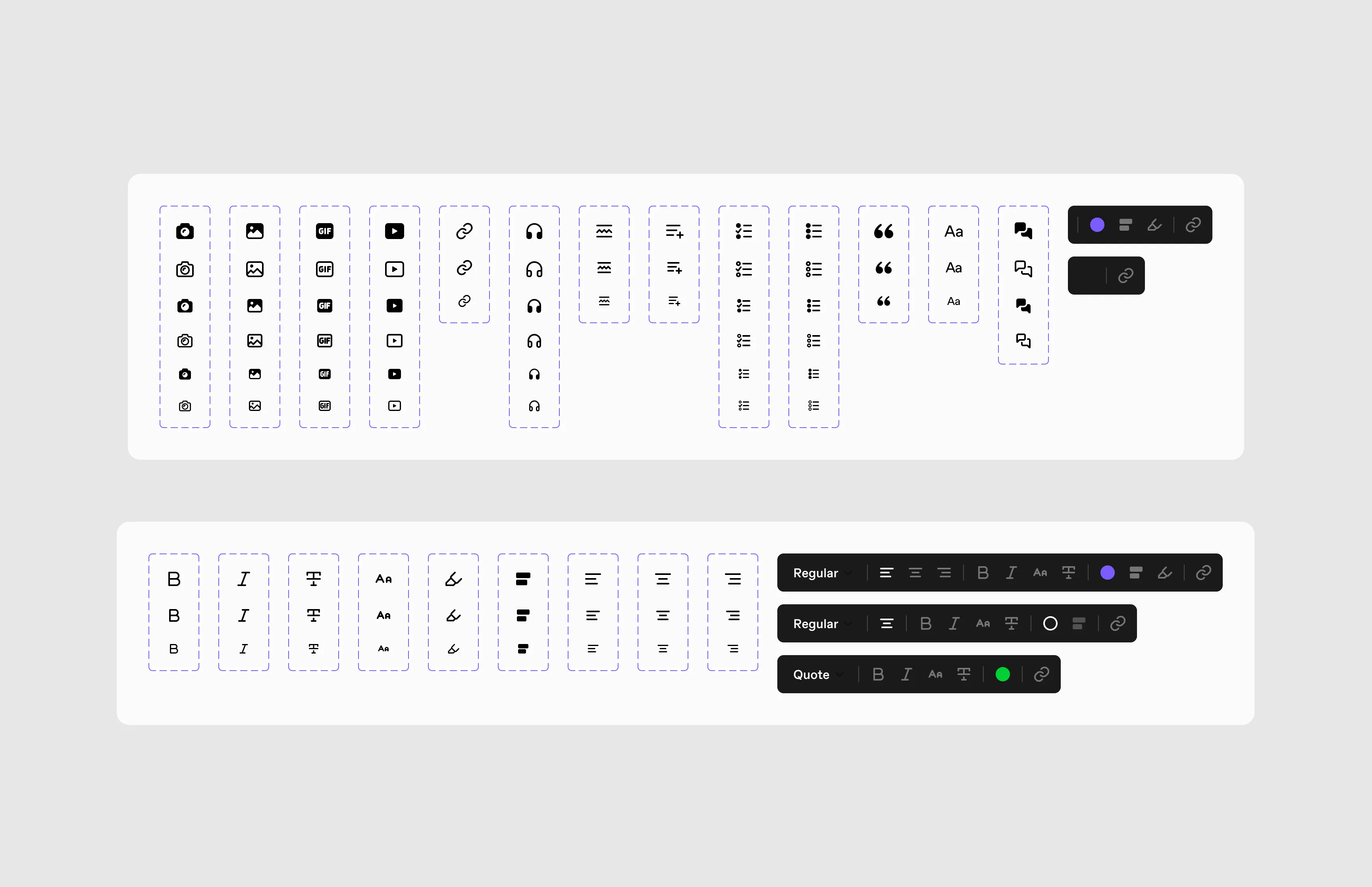
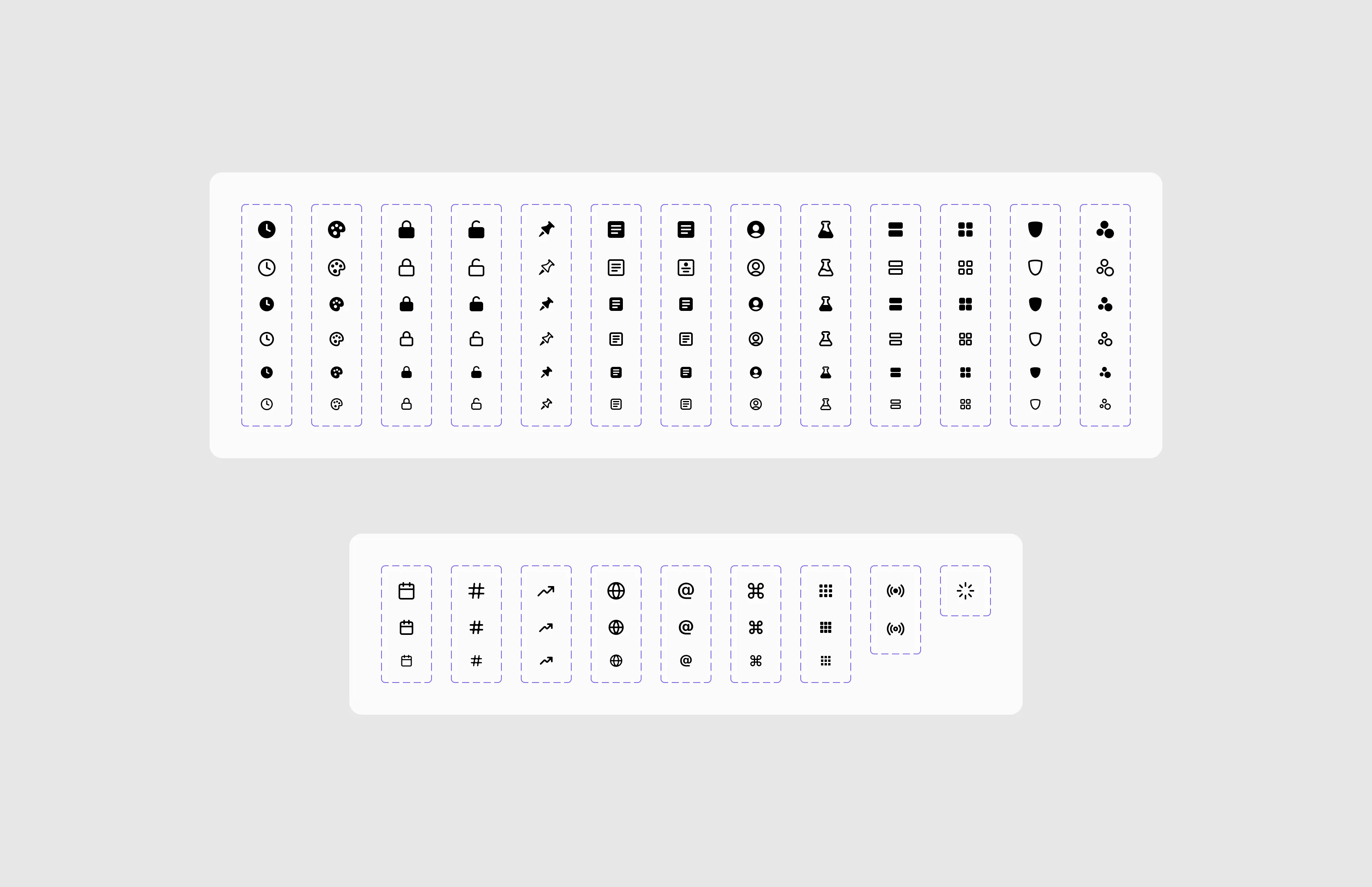
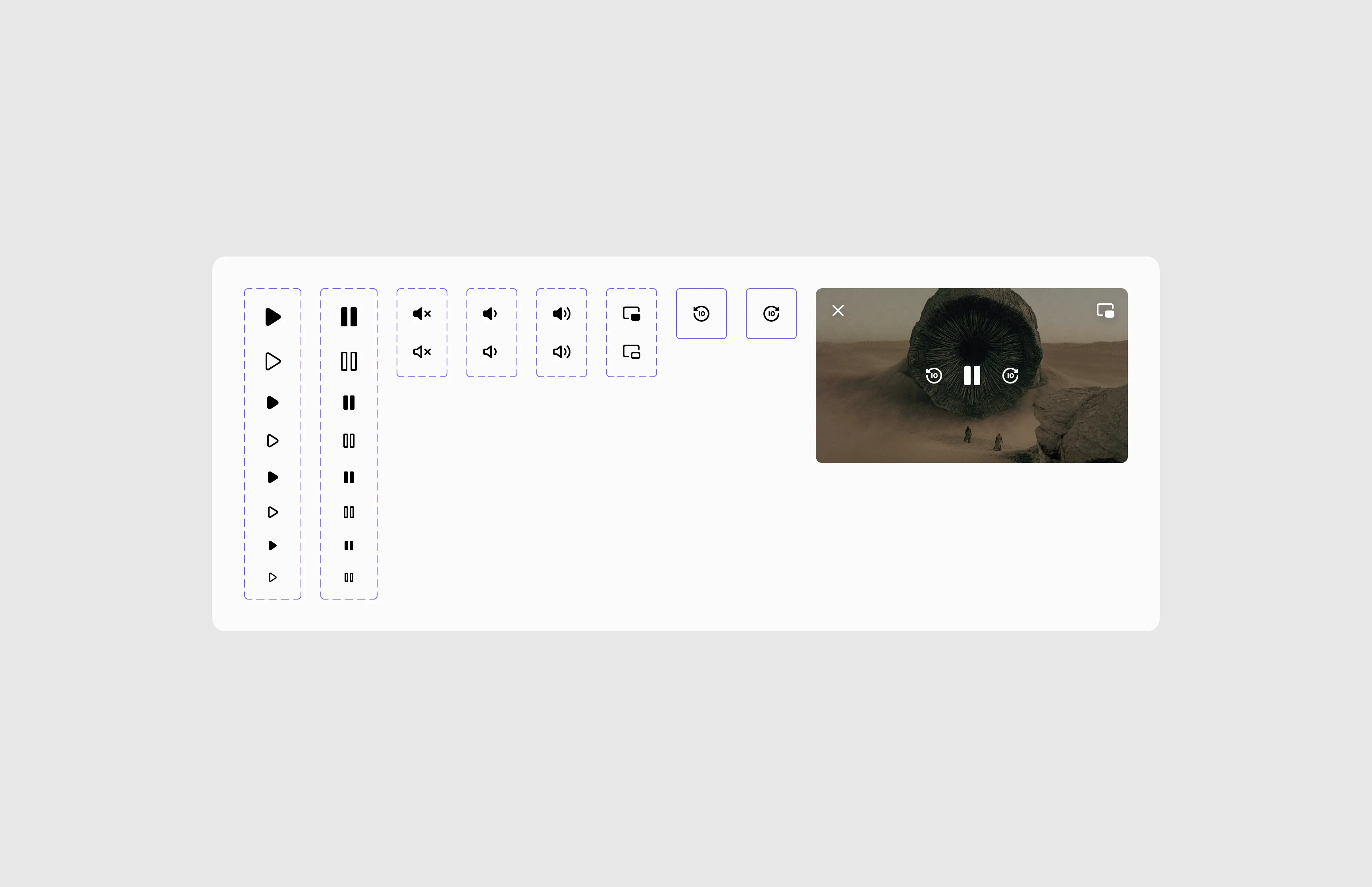
Components
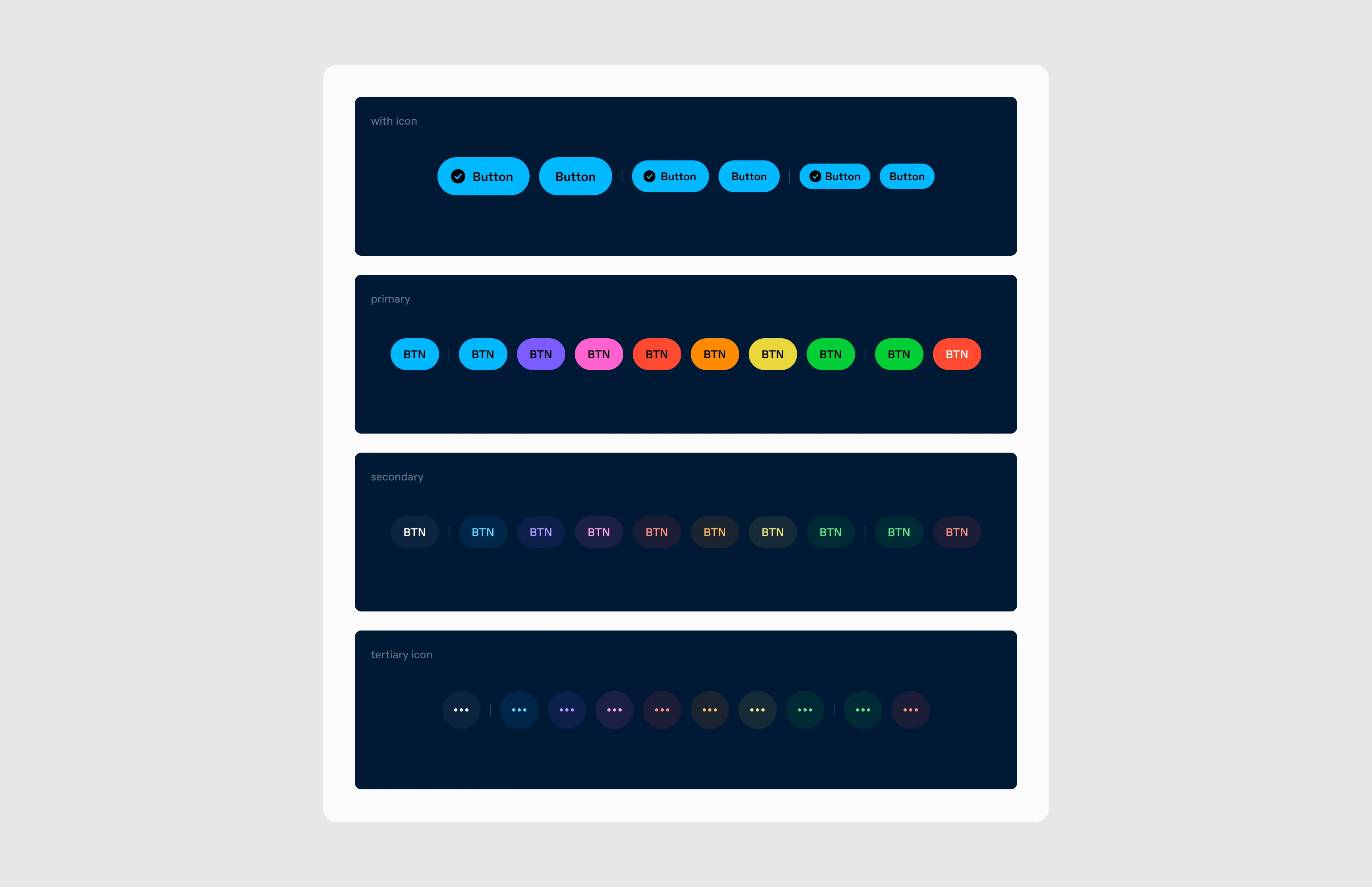
Buttons
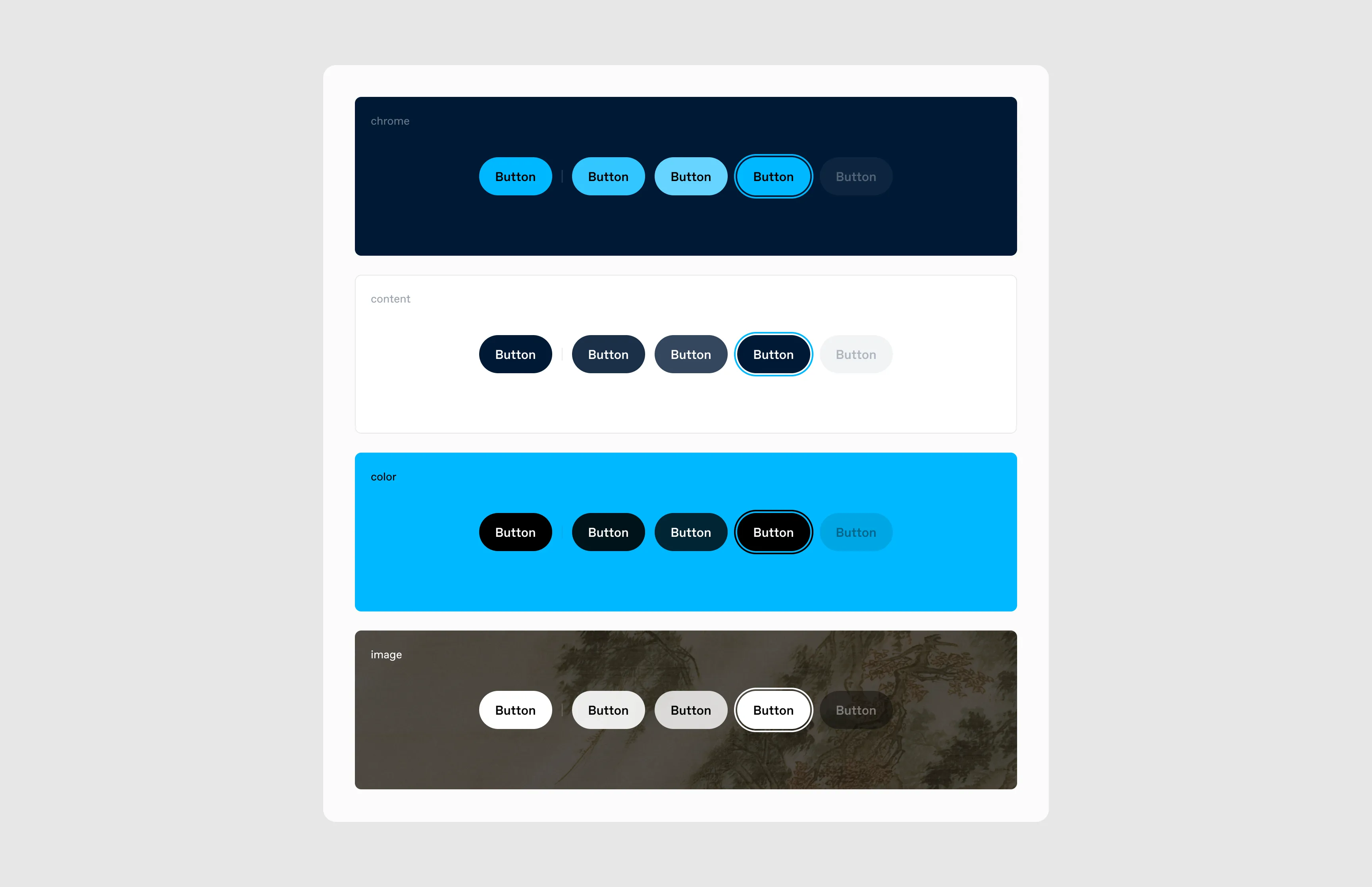
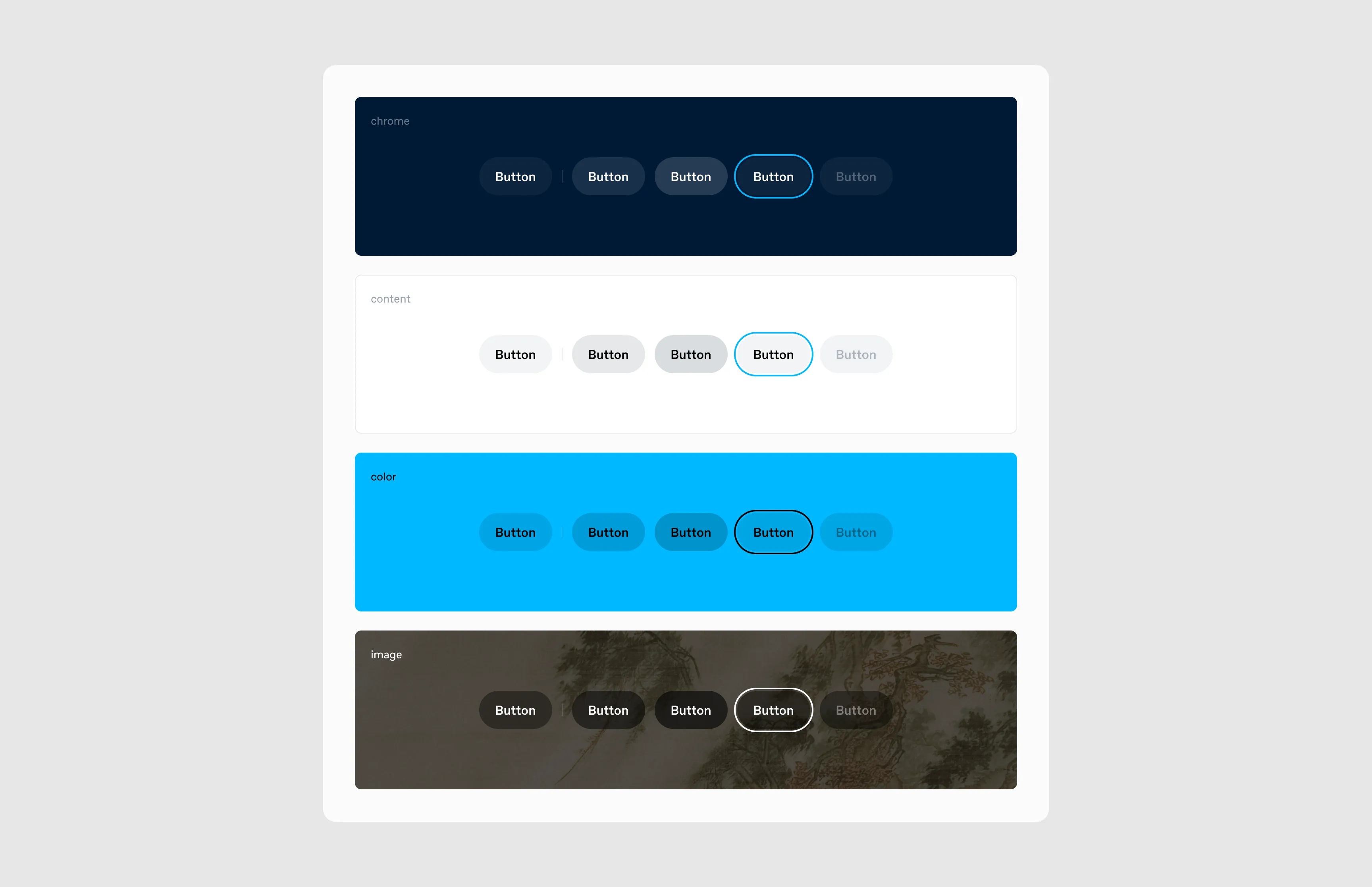
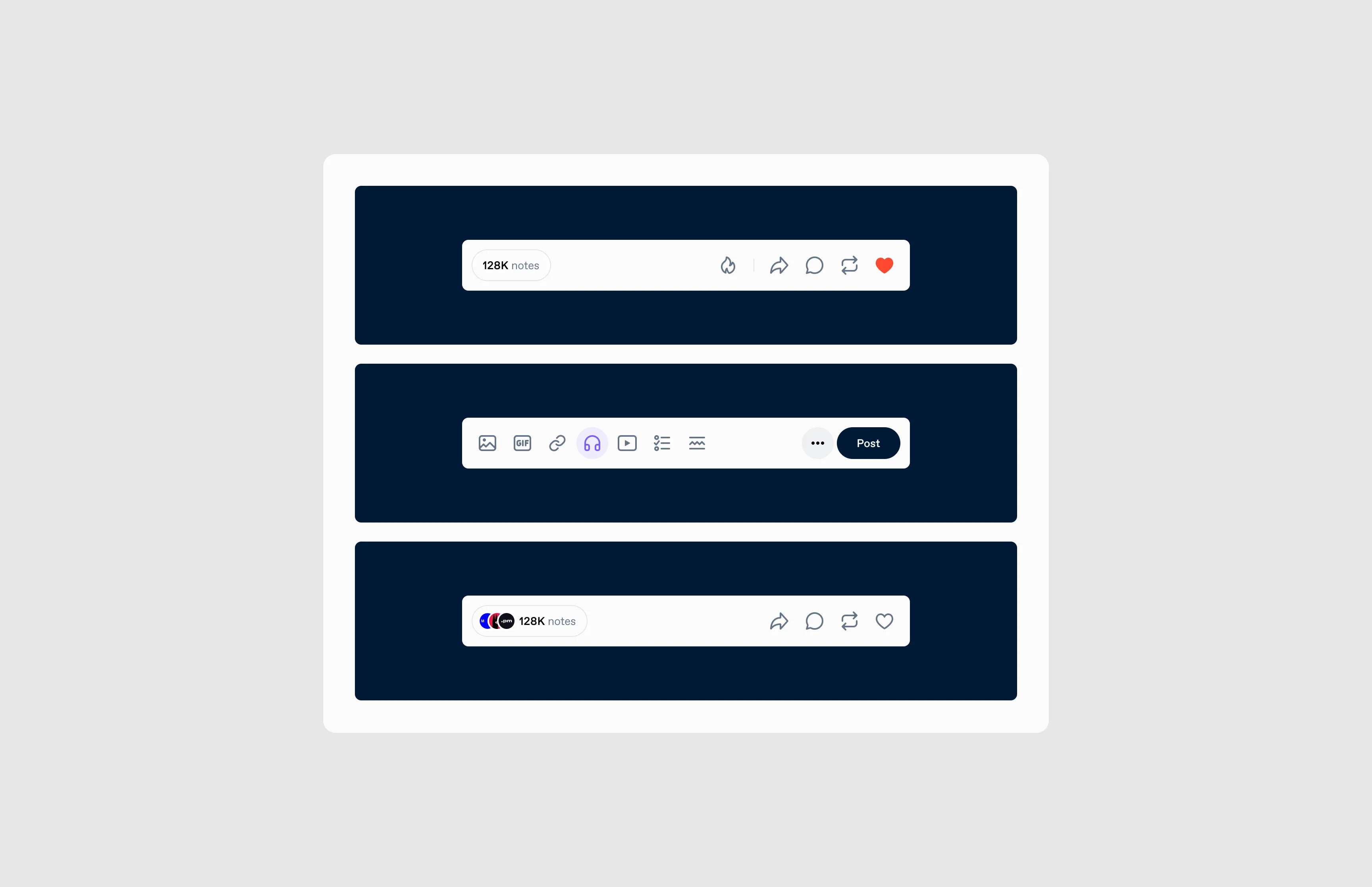
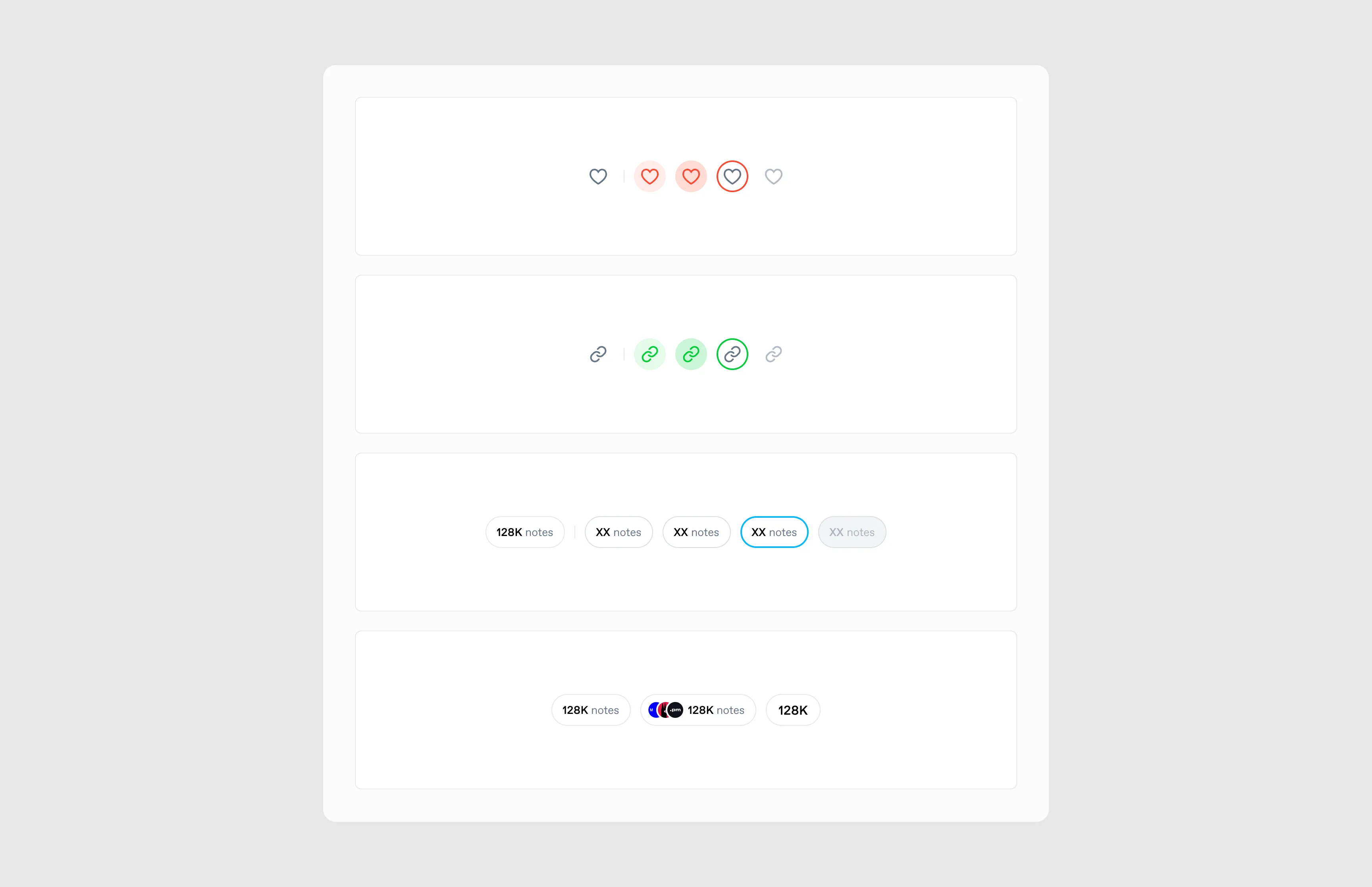
Primary, secondary, and icon variations, plus a custom “notes” button that appears on every post (until we split the note count).
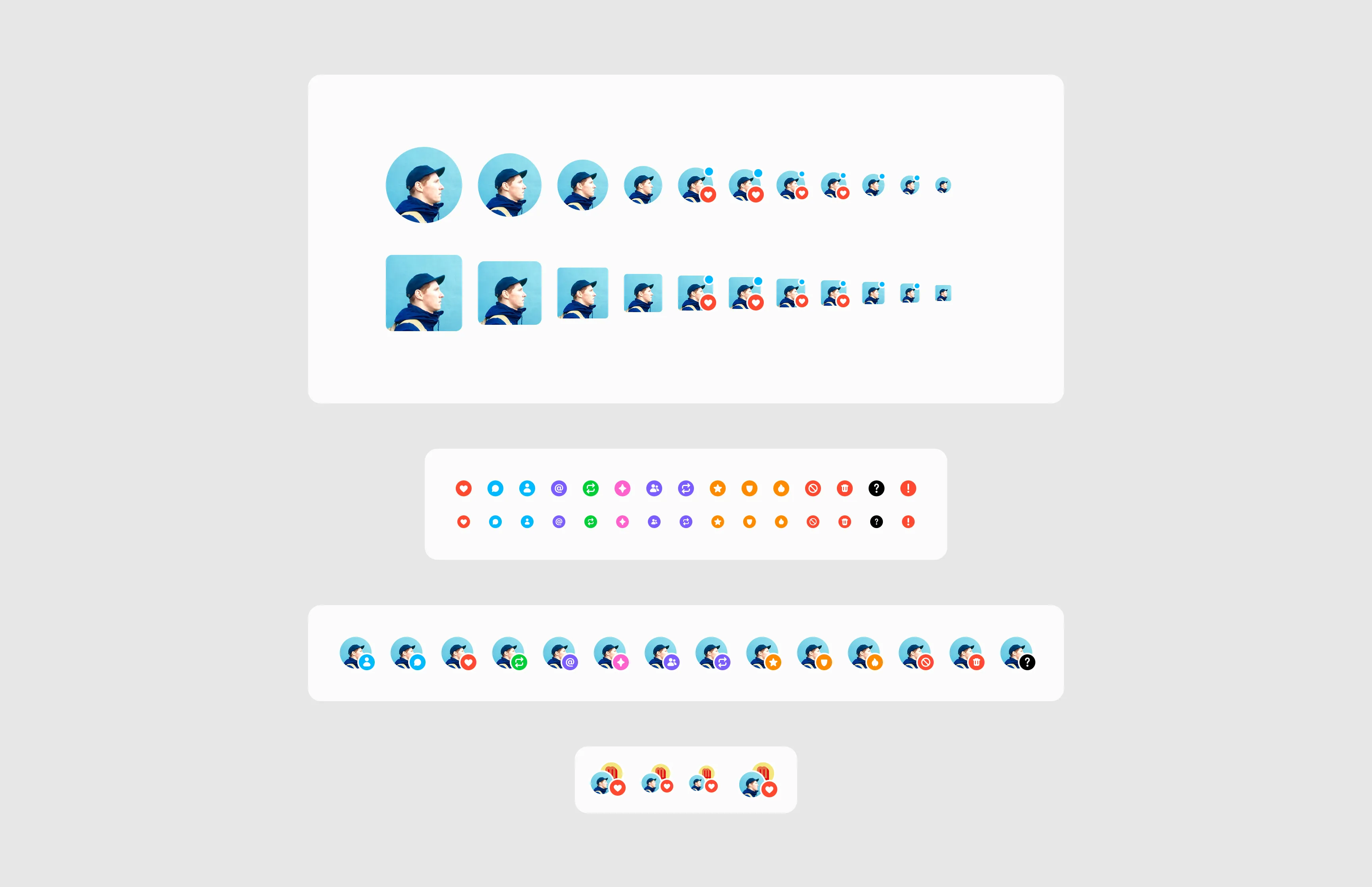
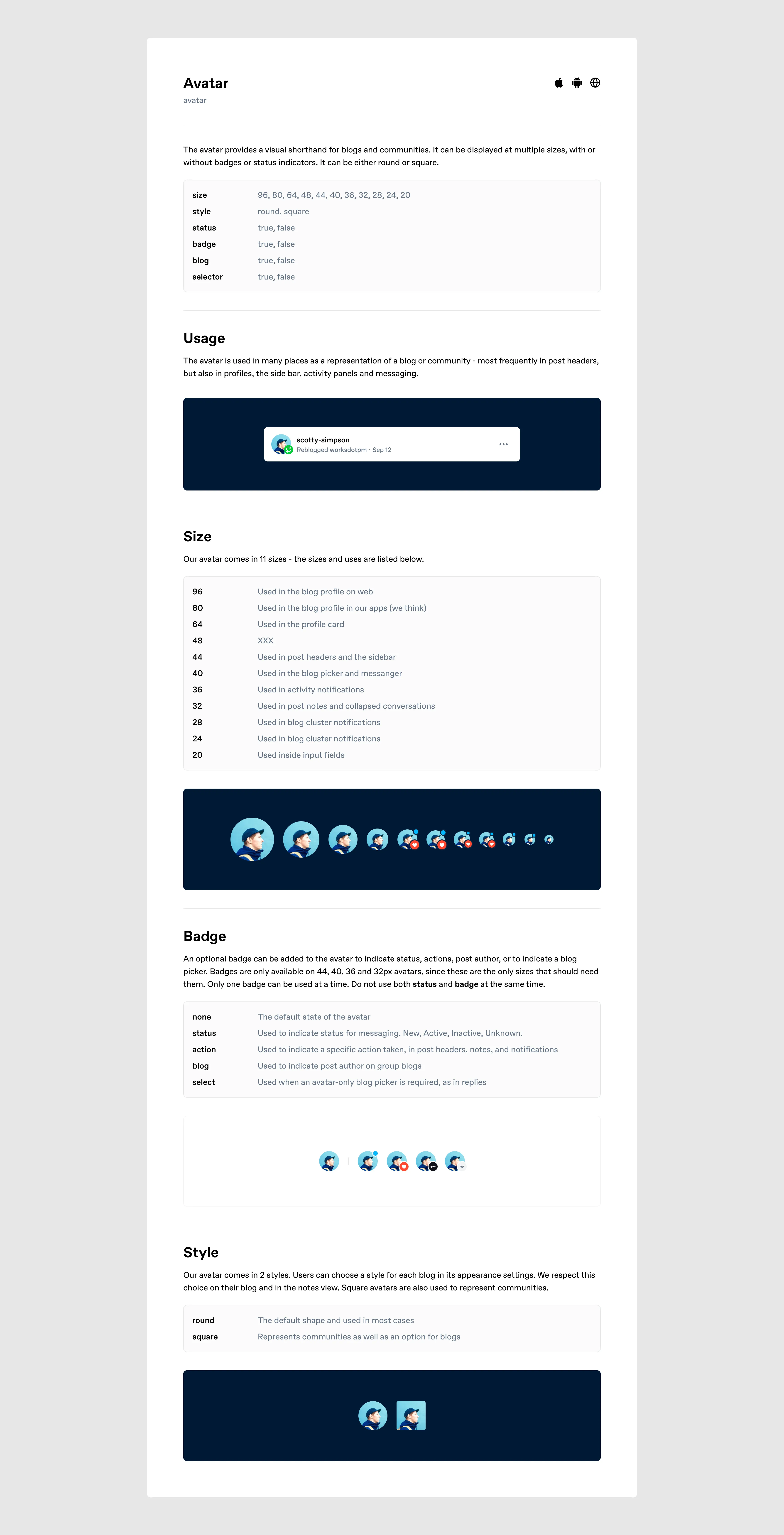
Avatar
The basic building block of identity on Tumblr. It had to handle a few extra elements like badges and statuses at certain sizes.
Menus
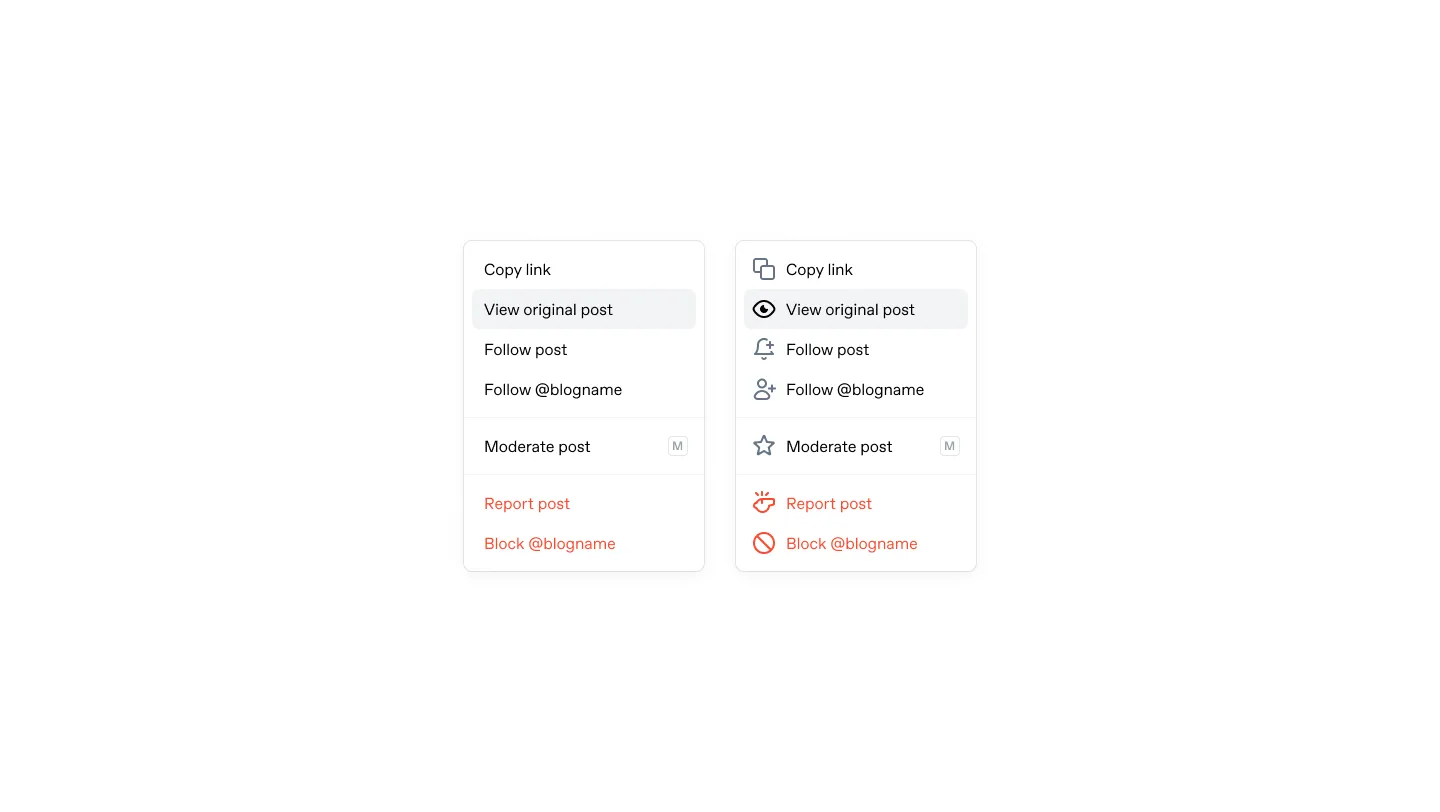
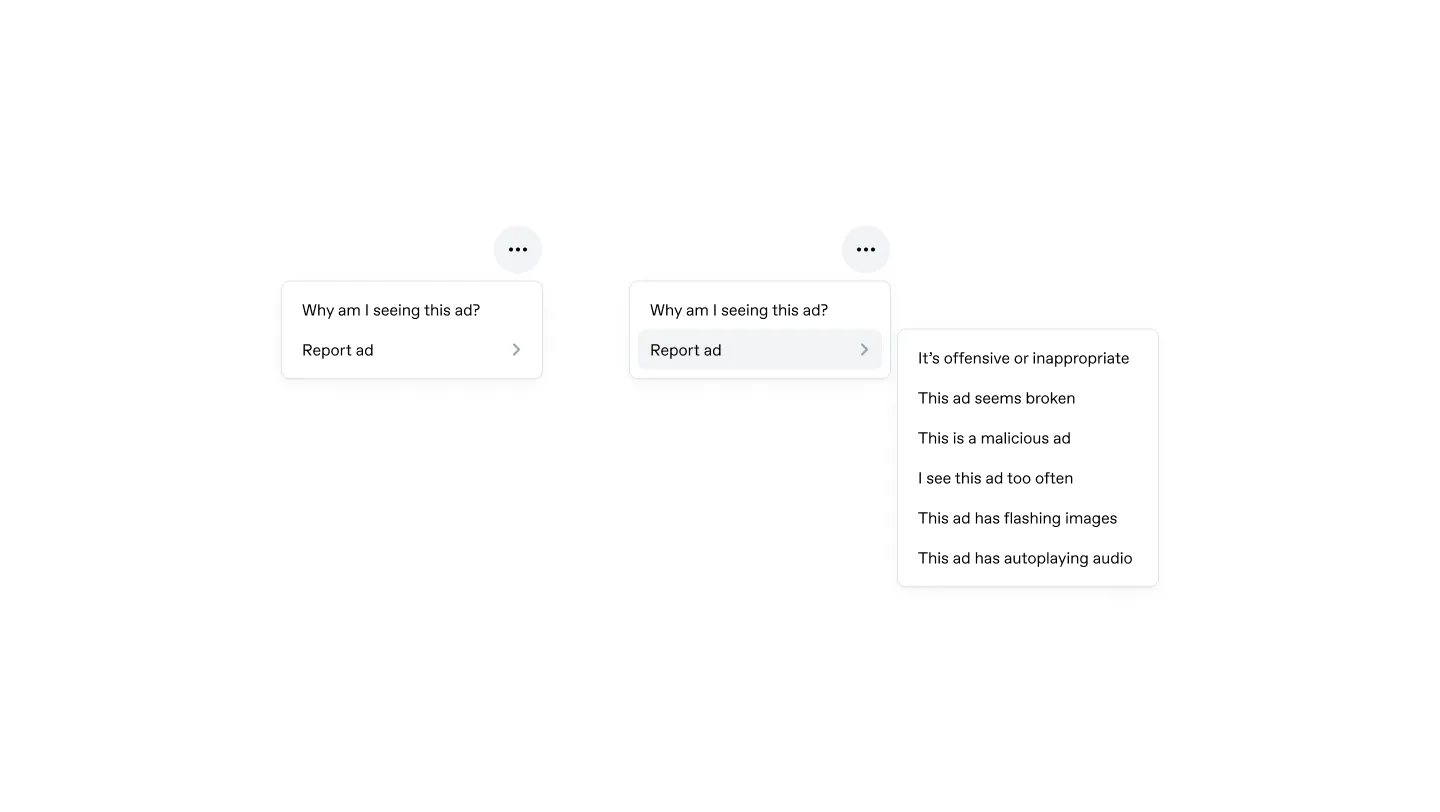
Adoption
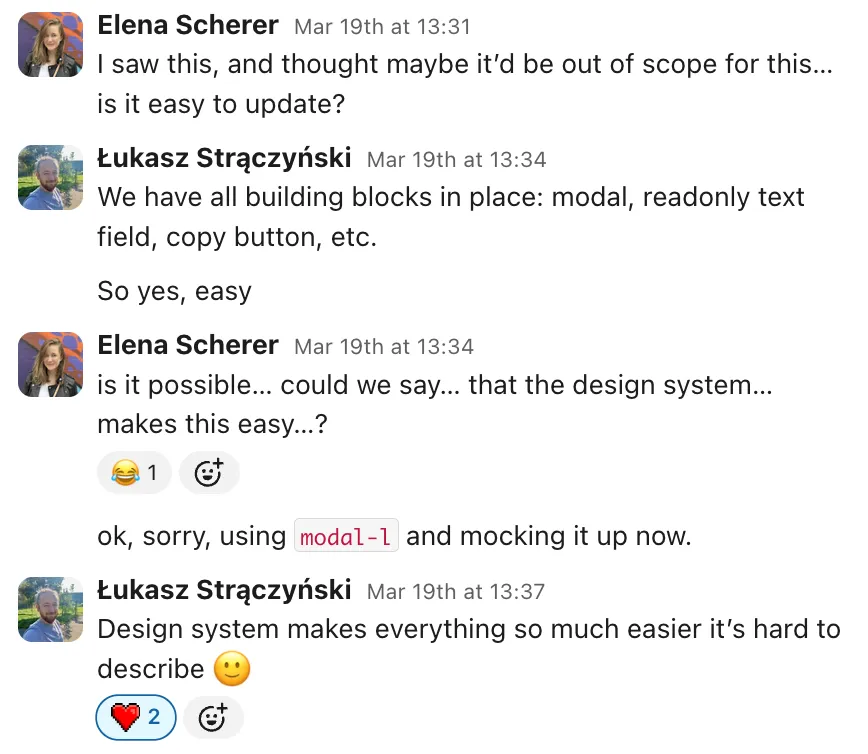
We updated new surfaces to use design system components as we built the product. To help update the aforementioned 2,900 color declaractions across 985 files, I built a WYSIWYG tool to click any element in the live interface and select the correct tokens for its SCSS.
Process
I set up a dedicated Friday session for design system work, open to anyone contributing. The design team held twice-weekly critique calls to keep us aware of what was happening across product areas and spot where to reuse components. We introduced a requirement for a designer to review every user-facing PR, which resulted in fewer visual bugs.
We built and documented the system in Storybook for use across web, iOS, and Android.